Add a logo to the centre of a QR code in your browser, free and with no sign-up. Upload a PNG, JPEG or WebP, keep the image within the size limit, and use a dark code on a light background. Download PNG for the web or SVG for print, then test the file on a phone before you print it.
Last updated 30 October 2026.
How do you add a logo to the centre of a QR code?
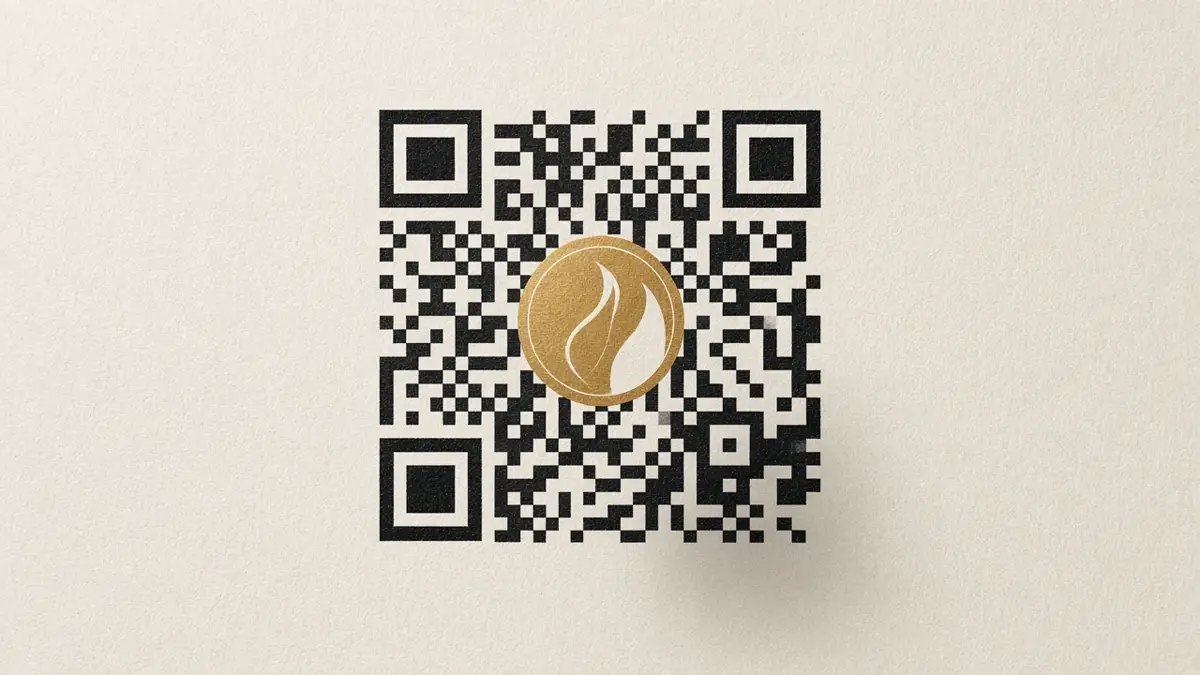
Use the free QR code generator with logo. The logo is an embedded image in the centre. You do not create an account, and the file has no watermark.
- Open the generator. Go to the free QR code generator with logo. It runs in your browser.
- Enter what the code should open. Choose Website, Text, Email, Phone, Wi-Fi or WhatsApp. A website link should be a normal https address. For a chat with your message ready, start from the WhatsApp QR code generator. For guest internet, use the Wi-Fi QR code generator.
- Upload the logo. Use PNG, JPEG or WebP, up to 2 MB and 4,096 pixels on a side. The image sits in a small square in the centre.
- Choose Small, Medium or Large. Large is the maximum. The image is about 21% of the code, with a clear patch of whole modules around it.
- Set the colours. Use a dark QR colour on a light background. The tool requires at least 4.5:1 contrast and rejects pale or reversed colours.
- Wait for the scan check. Download stays off until an independent reader decodes the finished design, logo included, to the exact content.
- Download and test. Save PNG, SVG or JPEG at 512, 1,024 or 2,048 pixels. Scan the file on a phone at the size you plan to print.
How big can the logo be at error correction level H?
Keep the logo at Small or Medium unless the scan check passes at Large. Level H can recover about 30% of damaged data. That budget is why a centre logo can work. It is not permission to cover a third of the code.
QR codes have four standard error-correction levels: L, M, Q and H. This generator always uses level H, the highest. It also clears whole modules behind the logo so the image does not slice a square. The logo sizes are fixed:
| Logo size | What the tool does |
|---|---|
| Small | Image about 13% of the code. The safest starting point. |
| Medium | Image about 17% of the code. |
| Large | The maximum. Image about 21% of the code, plus a clear patch around it. |
A long website link uses more of the code than a short one. If Large fails the scan check, switch to Medium or shorten the destination. You can also export a code with no logo.
What contrast and quiet zone should you keep?
Use a dark code on a light background, at least 4.5:1 contrast, and leave the built-in blank margin.
| Rule | What this tool enforces |
|---|---|
| Contrast | At least 4.5:1, dark modules on a lighter background. Pale or reversed colours cannot be exported. |
| Quiet zone | Four modules of clear space around the pattern. Six modules if you turn on the outer outline. |
| Background | PNG and JPEG use your chosen solid background. Do not place the file on a photo. |
| Logo file | PNG, JPEG or WebP, up to 2 MB and 4,096 pixels. It is embedded as an image, including inside an SVG. |
Should you download PNG, SVG or JPEG?
Download PNG for screens and everyday printing. Download SVG when the QR modules need to scale in design software. Download JPEG only when another tool requires a JPG.
| Format | Use it for |
|---|---|
| PNG | Websites, social posts and sharp print. Lossless, at 512, 1,024 or 2,048 pixels. |
| SVG | Print and design files. The modules stay vectors. An uploaded logo stays an embedded raster image. |
| JPEG | Software that only accepts JPG. Compression softens edges, so prefer PNG when you can. |
How do you test that a logo QR code still scans?
Pass the on-page scan check, then scan the downloaded file with a phone at the real print size. The software check is evidence. It is not a guarantee for every camera, light or material.
- Wait until the page says the scan check passed before you download.
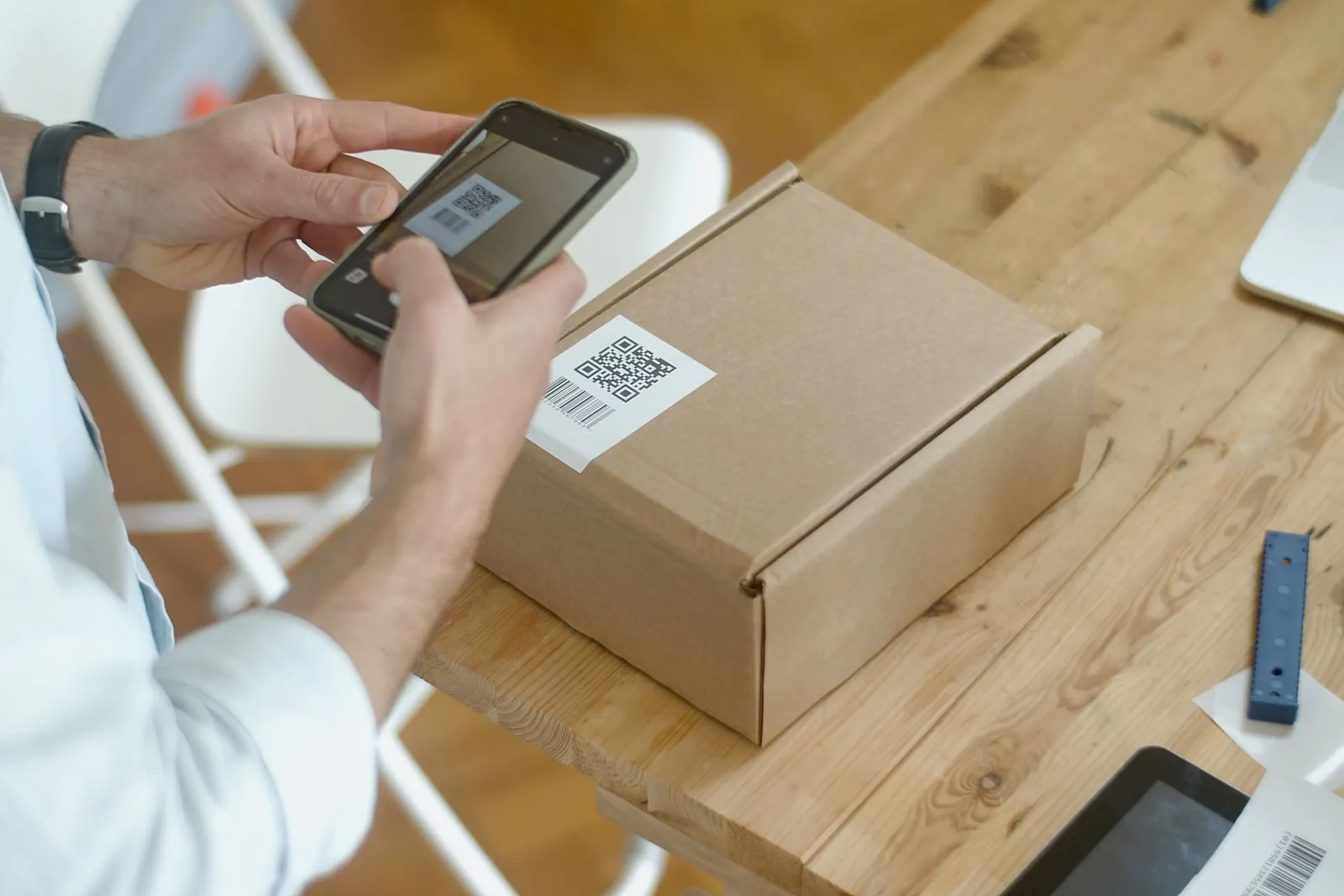
- Open the PNG or a print of the SVG on a phone camera, not only in the preview.
- Try a second phone if the code will sit on a counter.
- If it fails, use a smaller logo, a darker colour, or a shorter link, then download again.
What mistakes stop a logo QR code from scanning?
The usual failures are a logo that is too large, weak contrast, a missing quiet zone, or a destination that changed after printing.
- Covering too much of the code. Stay inside Small, Medium or Large. Level H does not make an oversized logo safe.
- Low contrast. A light code on a light card, or a code placed on a photograph, will fail on some phones.
- Cropping the margin. Leave the quiet zone. Do not trim the file tight to the modules.
- Expecting the link to change later. This download is static. The destination is stored in the image. There is no redirect and no scan counter. Print a new code to change the link.
- Using it as a PayNow code. This tool does not create a bank PayNow or SGQR. For payments, use the QR from your bank. See how to generate a static PayNow QR in Singapore.
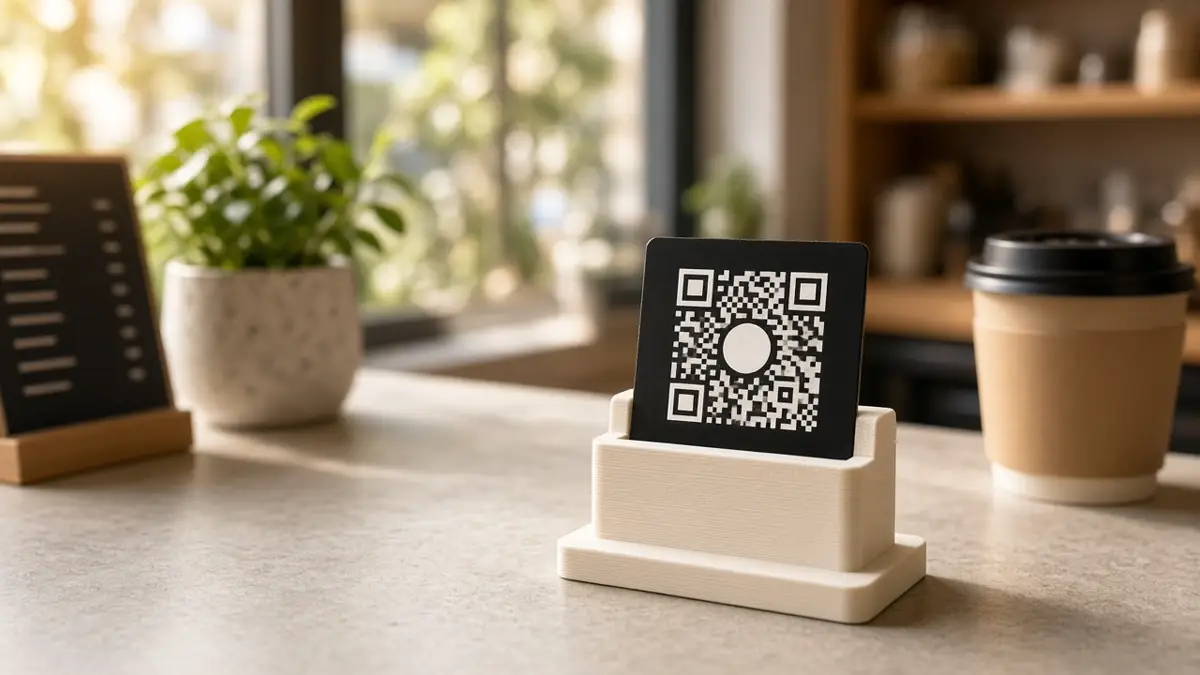
For menus, counters and name cards, read branded QR codes for Singapore small businesses. To put the file on a physical display, see the QR stand or the QR code stand guide.