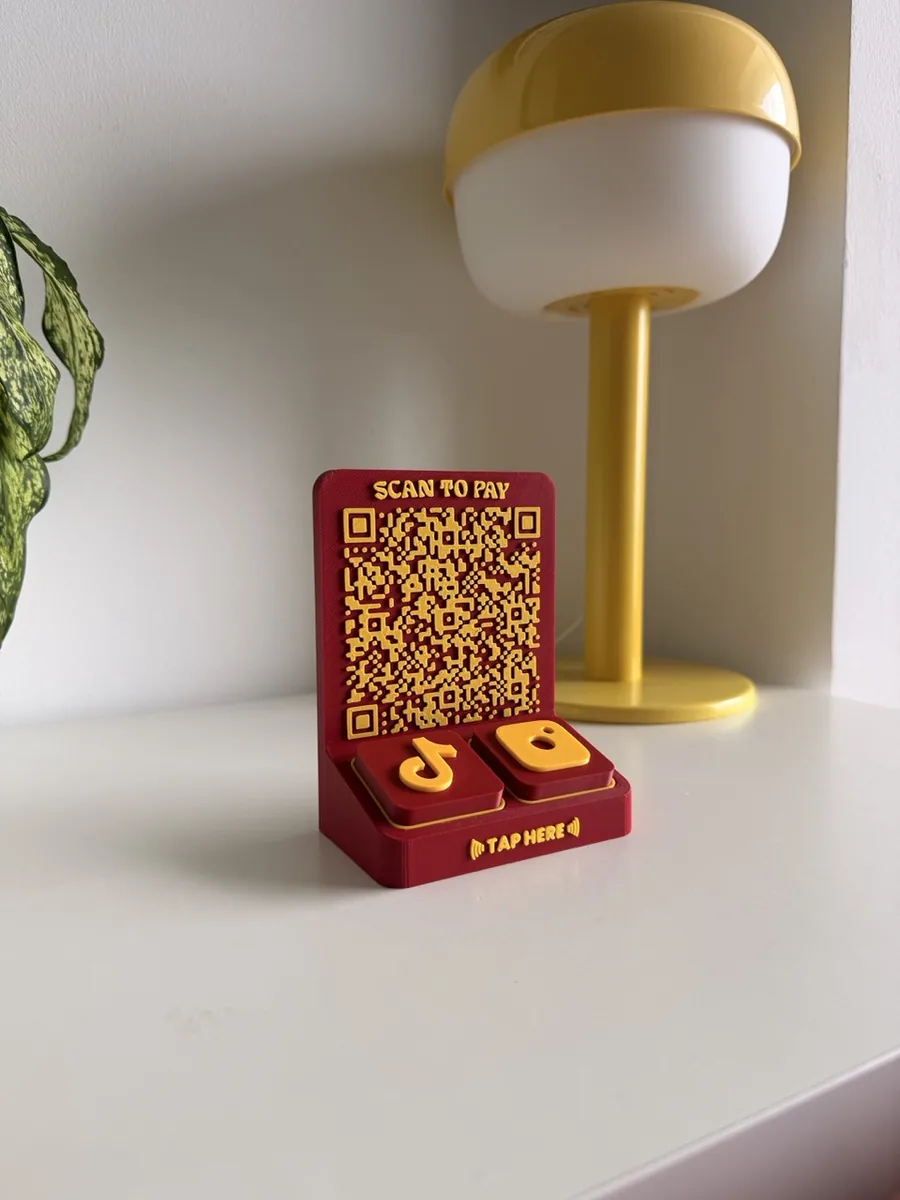
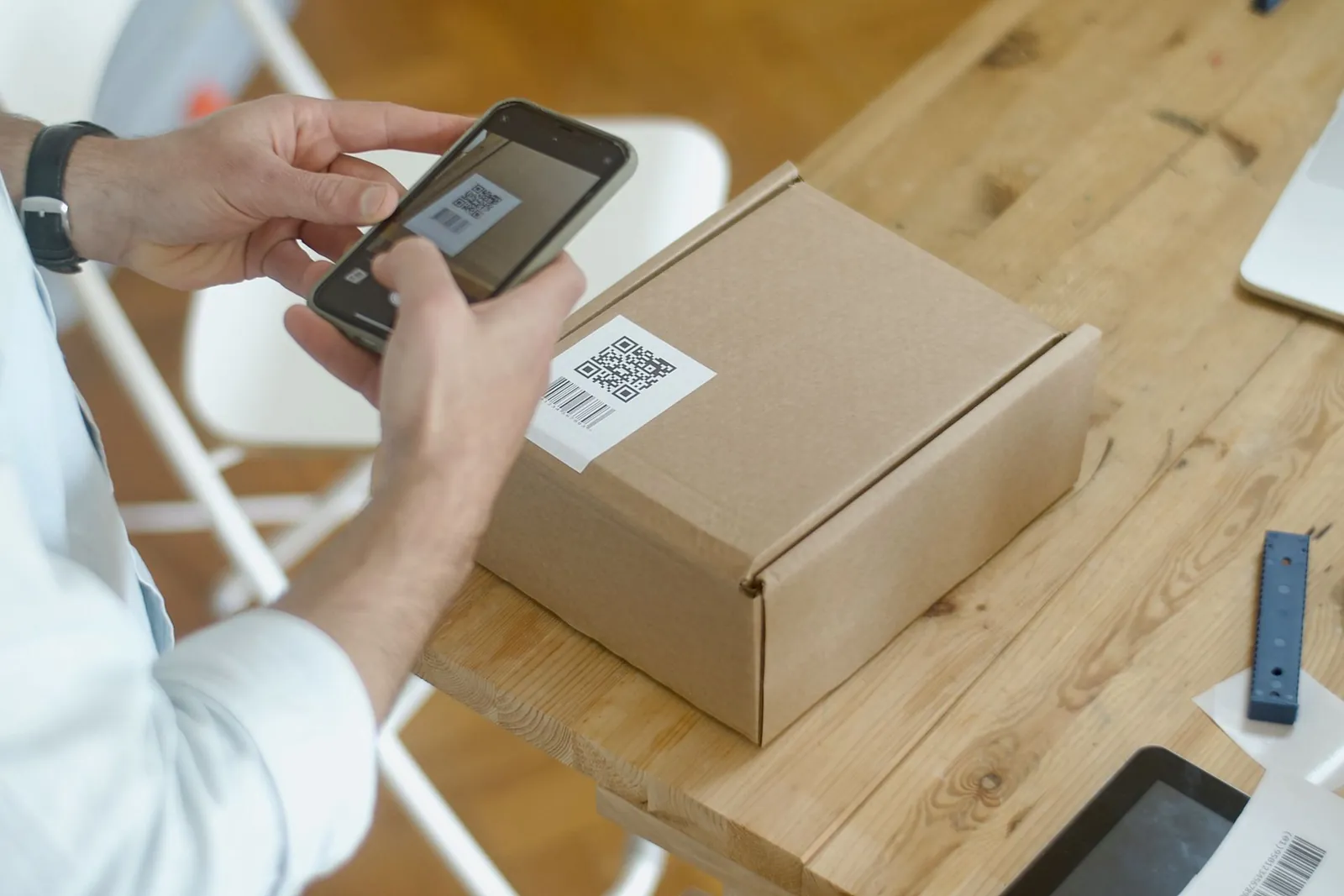
A QR code on the counter does one job: it gets a customer from "how do I pay?" or "where's the menu?" to the right page in one scan. Most businesses solve it with whatever is closest to hand: a laminated printout, a sticker, or a stand ordered online.
Each works on day one. The differences show up when the code changes, the counter gets wiped every hour, or the sign has to look like your business. Here are the common options, where each falls short, and how to choose.
The usual options
Laminated paper and table tents
The cheapest route. Print shops sell table tents in packs: Tradeprint in the UK starts at £7.93 for 10, and Vistaprint Singapore prints double-sided A5 and A6 tents on 350 gsm card.
- Good: low cost, full colour, both sides, easy to reprint.
- Falls short: Vistaprint recommends its tents for indoor use. Paper curls, stains and fades with spills and sun, and glossy lamination catches the light.
QR stickers
Stick the code on the counter, the till or the window. NameBadge in the US sells waterproof vinyl QR stickers from US$35 for 50.
- Good: cheap per sticker, waterproof vinyl options, very flat.
- Falls short: a sticker is not a stand. It needs a surface at the right angle, its edges lift with cleaning, and it is sold in bulk. Vistaprint's standard QR sticker is for indoor use away from liquid.
Engraved wood and metal
A natural or premium look. MenuShop in the UK sells a laser-engraved wooden QR stand for £6.95, plus £20 to set up a logo. WeMake in Singapore makes custom wooden QR stands at S$25 each, minimum 10. doXmenu sells stainless steel QR stands from €5.99 plus VAT.
- Good: durable, distinctive, and metal is rated for indoor and outdoor use.
- Falls short: engraving is permanent, so a new payment code means a new stand. Engraved codes depend on contrast between the mark and the material. Bare metal can reflect light into the camera. Overseas makers can take weeks to deliver.
Printed acrylic
The most common "proper" counter stand. Printvolution in Singapore UV-prints acrylic QR stands with your logo and two to four codes from S$40, ready in two working days. Etched Occasions in the US sells one for US$60.
- Good: full-colour branding, several codes on one stand, fast local production.
- Falls short: the code is printed onto the acrylic. Printvolution says changing a platform means a reorder. Glossy acrylic reflects overhead light onto the code.
Our QR Stand
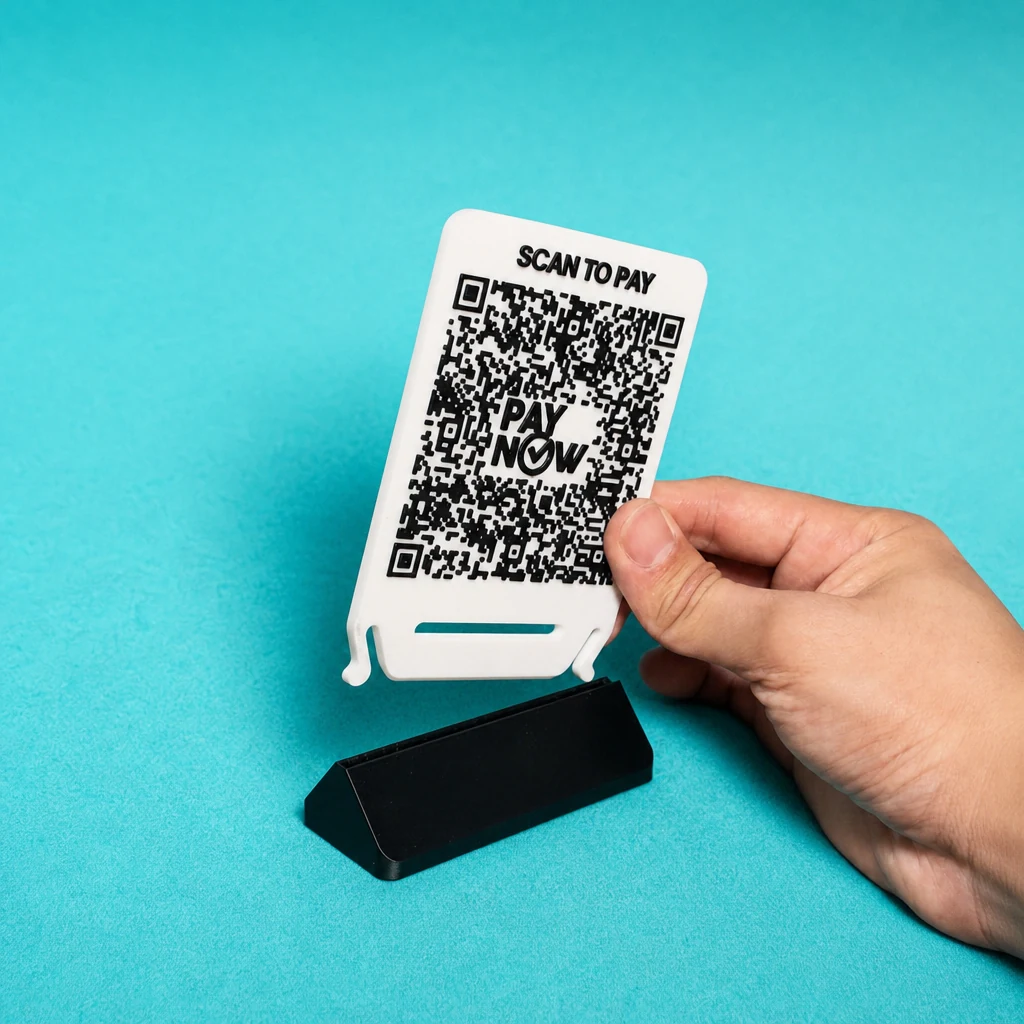
We designed the QR Stand around the problems above.
- Swap the code, keep the stand. The front is a snap-fit insert. New bank, new promotion or a new event? Replace the insert, not the stand.
- Both sides work. Your QR code on the front, and an optional printed back for S$10, so customers on both sides of the counter see a message.
- Texture you can feel. The front carries your QR code with its call to action, or embossed artwork raised from the surface.
- Every code has a call to action. "Scan to pay", "Scan for menu" or "Follow us" sits with the code, so nobody has to guess what it is for.
- Your colours. Choose the base and insert colours separately.
- Made for a counter. 3D-printed plastic that wipes clean, 87.3 × 39.6 × 121.5 mm assembled.
- One stand, no minimum. S$19.90 each.
QR Stand vs the alternatives
| Option | Price shown | Change the code | Both sides | Call to action |
|---|---|---|---|---|
| QR StandOurs | S$19.90 | Swap the insert | Back print +S$10 | Built in |
| Paper table tent Tradeprint | £7.93 for 10 | Reprint | Printed | Your own design |
| QR sticker NameBadge | US$35 for 50 | New sticker | One side | Your own design |
| Engraved wood MenuShop | £6.95 | New stand | Not stated | Not stated |
| Stainless steel doXmenu | €5.99 + VAT | New stand | Not stated | Not stated |
| Printed acrylic Printvolution | From S$40 | Reorder | Not stated | Labels |
Prices and details as shown on each seller's product page on 19 October 2026, in the currency shown, before delivery. A dash means the page did not say. Engraved and printed codes are fixed into the material, so a new code means a new stand.
Size it for the distance
Whatever you choose, the code must be big enough. The rule of thumb: the code should be at least one tenth as wide as the distance it is scanned from.
| Scan distance | Minimum code width |
|---|---|
| 25 to 30 cm (held close) | 2.5 to 3 cm |
| 50 cm (across a counter) | 5 cm |
| 1 m (from a queue) | 10 cm |
Below about 2 cm, scanning gets unreliable in real conditions.
Five design checks
- Contrast. Dark code on a light background. Reversed or pale codes fail on some phones.
- Quiet zone. Leave a blank border at least four modules wide around the code. A module is one small square of the code.
- A call to action. "Scan to pay", "Scan for menu" or "Scan to review". A code with no label gets ignored.
- Matte over gloss. Glossy acrylic, lamination and bare metal reflect light into the camera.
- Test it in place. Scan it with an iPhone and an Android phone from where customers stand, before you put it out.
When to add NFC
Payment codes such as PayNow and DuitNow must be scanned. A tap cannot open them. For everything else, such as reviews, Instagram and WhatsApp, a tap is faster than a scan. The Tap Bar QR puts a payment QR panel beside NFC tiles: scan to pay, tap to follow.
Static or dynamic codes
A static code encodes your link directly and never expires. A dynamic code goes through a service you may pay for. Payment codes are always static. We explain the trade-off in QR code marketing for small businesses. For PayNow, see how to generate a static PayNow QR.
Have a 3D printer? Make your own QR code stand with our free QR Stand Maker.
The QR Stand, from S$19.90
Your code, your call to action, your colours. Snap in a new insert when the code changes.