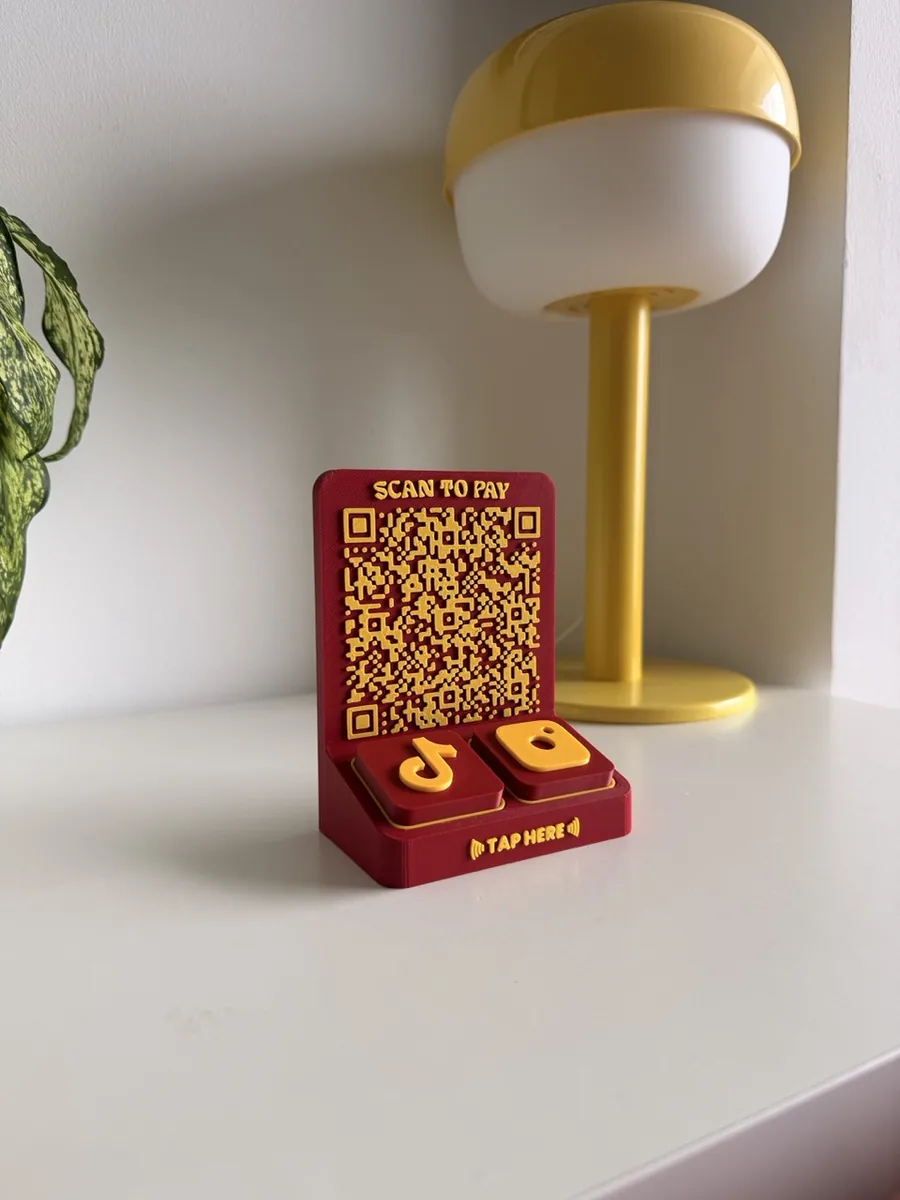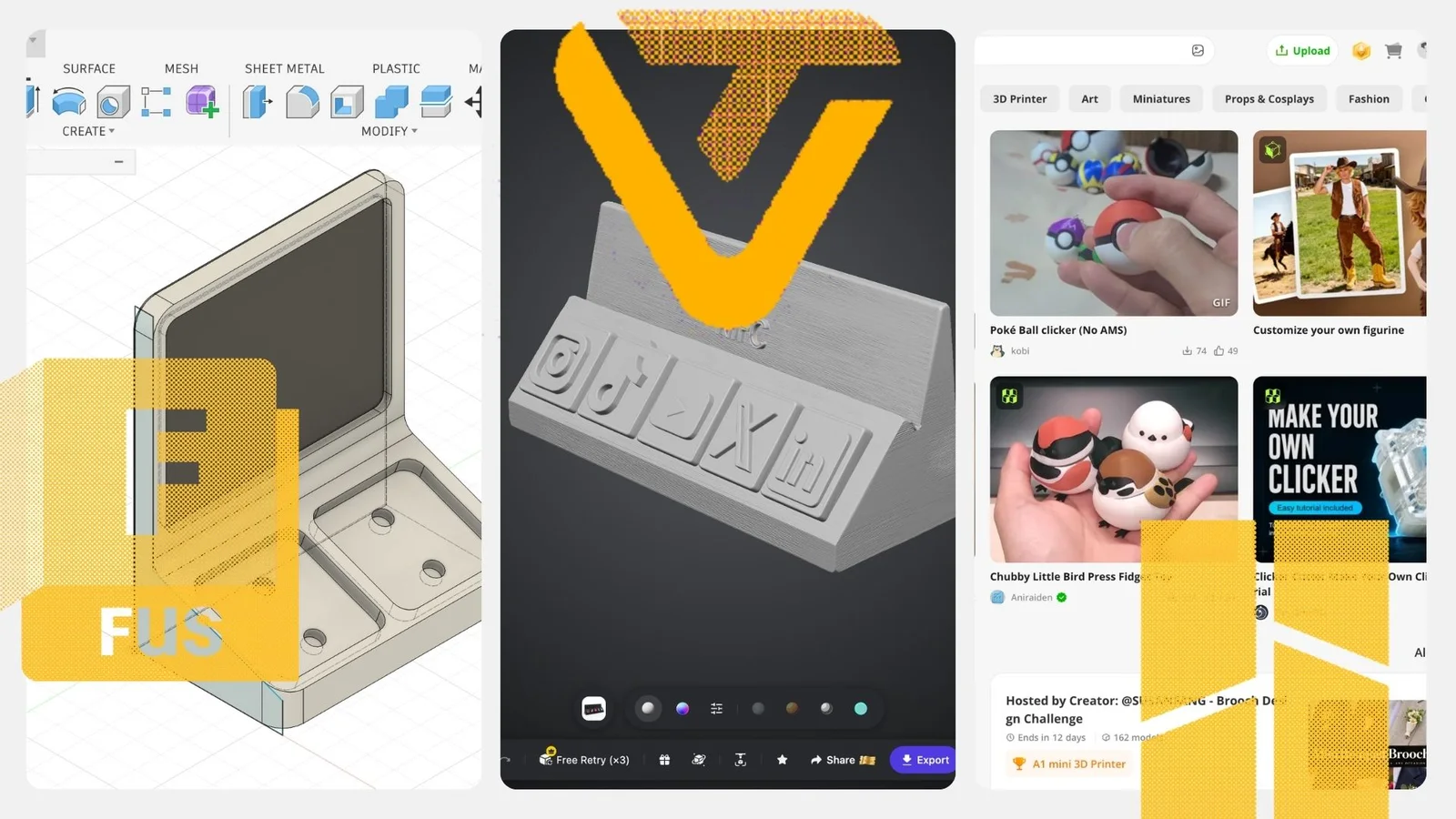

You can print a working QR code stand in an afternoon. The code is printed in colour as part of the stand, so it never fades or peels like a sticker. Here is how to make one with our free QR Stand Maker, and how to make sure it scans.
What you need
- A 3D printer. The tool exports a Bambu Lab 3MF file.
- Two filament colours with strong contrast, such as black and white.
- Your link, or the QR image from your bank for payments.
- A free Allin Studio account to download the file.
Step by step
- Open the QR Stand Maker. It runs in your browser, and your artwork is processed on your device.
- Add your code. Generate one from a link, or upload an existing QR such as your PayNow code.
- Write a call to action. "Scan to pay", "Scan for menu" or "Follow us". Keep it to three or four words.
- Pick your colours. Choose the base and code colours. Dark on light scans most reliably.
- Check the 3D preview. Rotate it and check the code is square and the text is readable.
- Download the 3MF. Open it in Bambu Studio and print.
- Test before you place it. Scan it with an iPhone and an Android phone from where your customers will stand.
Only need a flat code or a single tile? The free QR Code Generator gives you PNG and SVG files, plus a printable 3D QR tile.
Tips for a code that scans
- Contrast beats colour. Black on white, navy on cream or dark green on light grey. Avoid two mid-tones.
- Matte over glossy. Silk and glossy filaments reflect light into the camera.
- Size for the distance. At least 3 cm wide for a counter. Our QR code stand guide has a size table.
- A clean first layer. The code sits on the top surface, so level the bed and keep the plate clean.
- Keep it above about 2 cm. Small codes lose detail at standard nozzle sizes.
Print them to sell
You can sell the stands you print from the QR Stand Maker. Market stalls, cafes and pop-ups all need one, and each stand can carry the buyer's own code and colours. Print a sample in two colourways, take it to your next market and take orders on the spot.
No printer, or want it done for you
- Ready-made: our QR Stand is S$19.90, with a snap-fit insert you can swap later and an optional printed back.
- Learn to print it yourself: The First Layer is a hands-on class with a Bambu Lab A1 Mini each for the session.
Free tool
Design your QR code stand in the browser
Your code, your call to action, your colours. Download a free Bambu Lab print file.
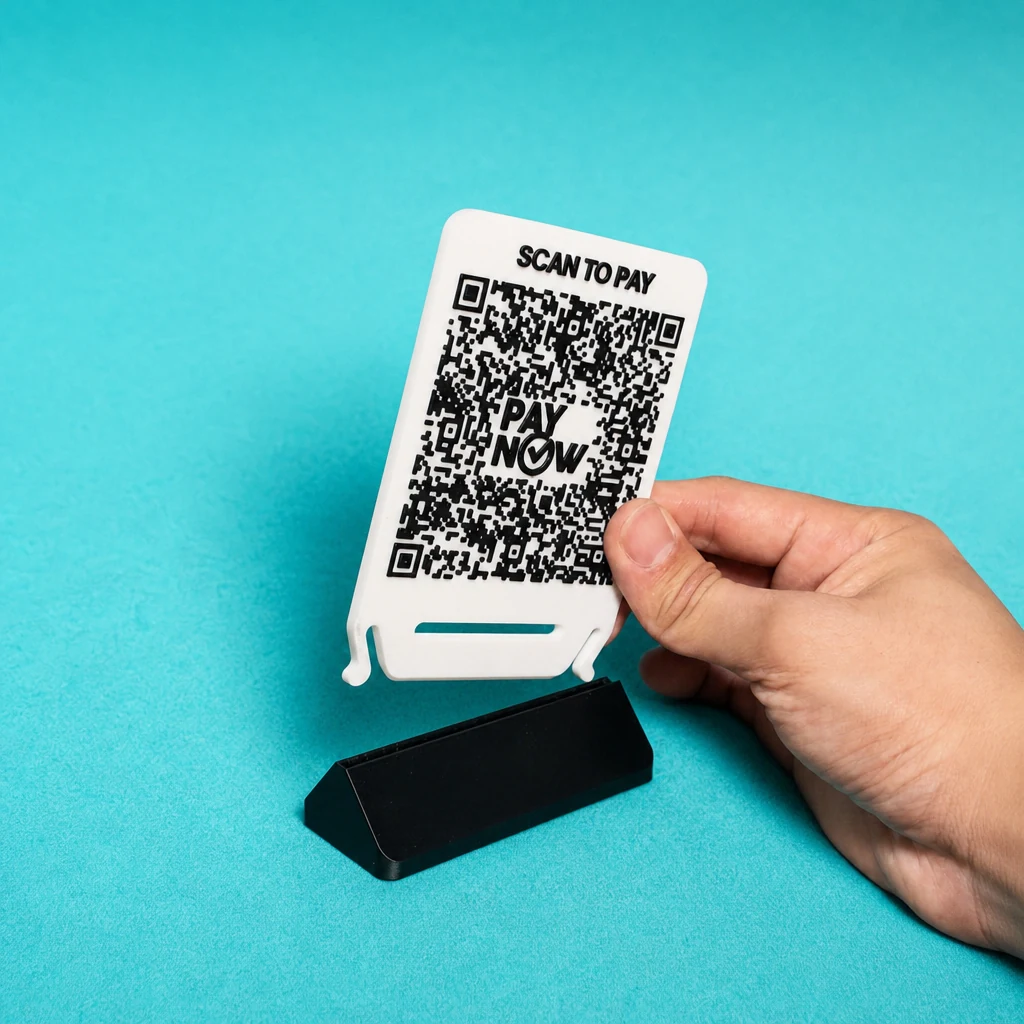
People also ask
Is the QR stand file really free?
Yes. Sign in with a free Allin Studio account and download the 3MF.
Can I sell the stands I print?
Yes. You can sell the stands you print from the QR Stand Maker.
Will it work with a PayNow code?
Yes. Upload the QR from your bank, then test it with a small payment before you put it out.
Which printers can use the file?
It is a Bambu Lab 3MF. Other slicers can often open 3MF files, but you may need to adjust the settings.