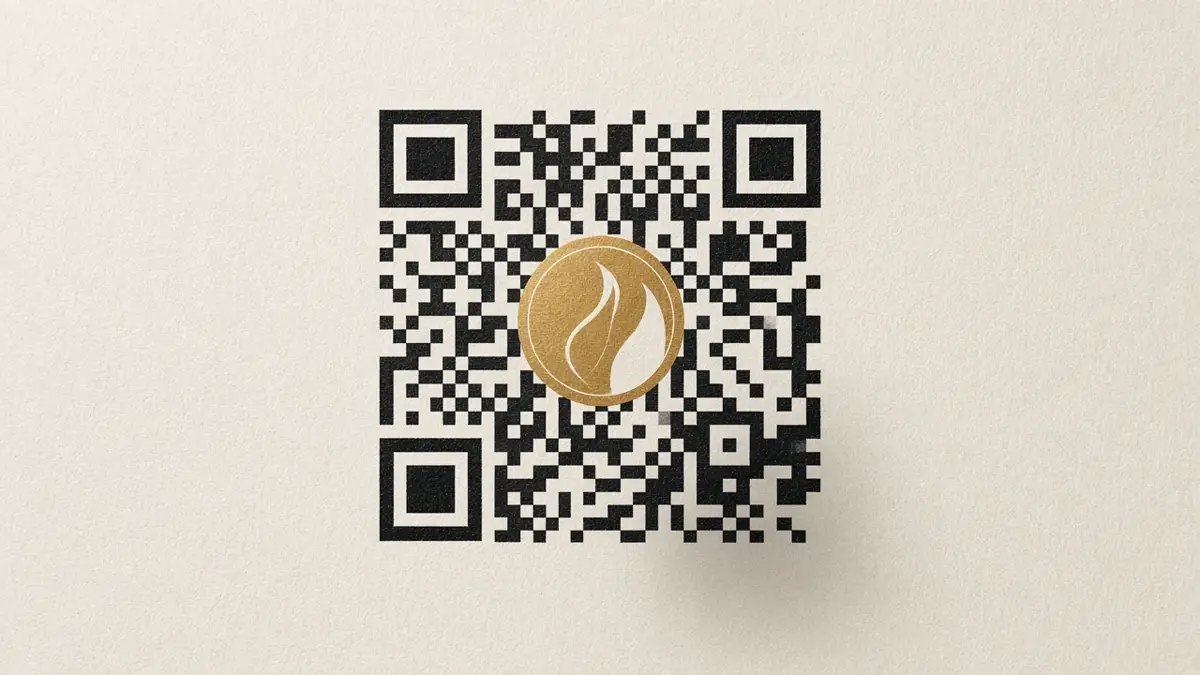
A branded QR code puts your logo in the centre of a static code for a menu, counter, event or name card. Make it free, with no sign-up, then print it dark on light and test the scan. Payment codes such as PayNow still come from your bank, not from a logo generator.
Last updated 30 October 2026.
What is a branded QR code for a Singapore business?
It is a normal QR code with your logo embedded in the centre, in your colours, pointing at one fixed destination. Make it with the free QR code generator with logo. No account is required.
The download is static. The menu link, review link, Instagram profile or WhatsApp chat is stored in the image. There is no redirect and no scan counter. When the destination changes, generate and print a new code. The step-by-step for the logo itself is in how to add a logo to the centre of a QR code.
Where should a small business put a logo QR code?
Put one code on the surface where the customer already has a reason to scan. One job per code is clearer than a homepage link.
- Restaurant and cafe menus. Encode the menu page, not the whole website. Leave a short line such as “Scan for the menu”.
- Retail counters. Use a review link, a loyalty page or a product page. Keep the code large enough to scan from where the customer stands.
- Events and markets. Point at a registration page, a map or an Instagram profile. If the event URL changes next week, print a new code.
- Name cards. Use a short link, leave the quiet zone, and test the card at arm’s length. A tiny code with a large logo will fail.
- Google reviews. Paste the review link you already use. This tool does not create that link for you.
- Social and WhatsApp. A website or Instagram URL works. WhatsApp can be a wa.me chat link, with an optional short message. The WhatsApp QR code generator builds the link and opens the chat with your message already typed.
Should a business QR code be static or dynamic?
Use a static code when the destination will stay put and you do not need scan counts. Use a dynamic code when you must change the link without reprinting, or when you need analytics.
| Feature | Static code from this tool | Dynamic code |
|---|---|---|
| Destination | Stored in the image | A redirect you can edit later |
| Scan counts | None | Usually included by the service |
| Account | None for PNG, SVG and JPEG | Usually a paid or freemium account |
| Best for | A menu, profile or review link you will reprint if it changes | A campaign you need to update or measure |
The trade-off is explained in QR code marketing for Singapore small businesses. This generator does not create dynamic codes.
How do you make a branded QR code for a menu or counter?
Create the file in the browser, download PNG or SVG, then test a print before you put it out.
- Choose one destination: the menu page, the review link, the social profile or a WhatsApp chat.
- Open the free QR code generator with logo and enter that destination.
- Upload a PNG, JPEG or WebP logo. Start at Small or Medium. Large is about 21% of the code and is the maximum.
- Use a dark colour on a light background. Export stays off below 4.5:1 contrast, or if the finished design does not scan.
- Download PNG for a quick print, or SVG if a designer will place the artwork. JPEG is for tools that only accept JPG.
- Print it, leave the quiet zone, and scan it with two phones from where the customer will stand.
How should you print a logo QR code?
Print a dark code on a light, matte surface, with the blank margin intact, and large enough for the distance.
- Size. Our QR code stand guide uses at least 3 cm wide on a counter. Below about 2 cm, scanning gets unreliable.
- Quiet zone. This generator keeps four modules of clear space, or six if you add the outer outline. Do not crop it off.
- Material. Matte card scans more reliably than glossy laminate, which reflects into the camera.
- Colour. Dark on light. Do not reverse the code, and do not print it over a photograph.
When should you use a 3D-printed QR stand?
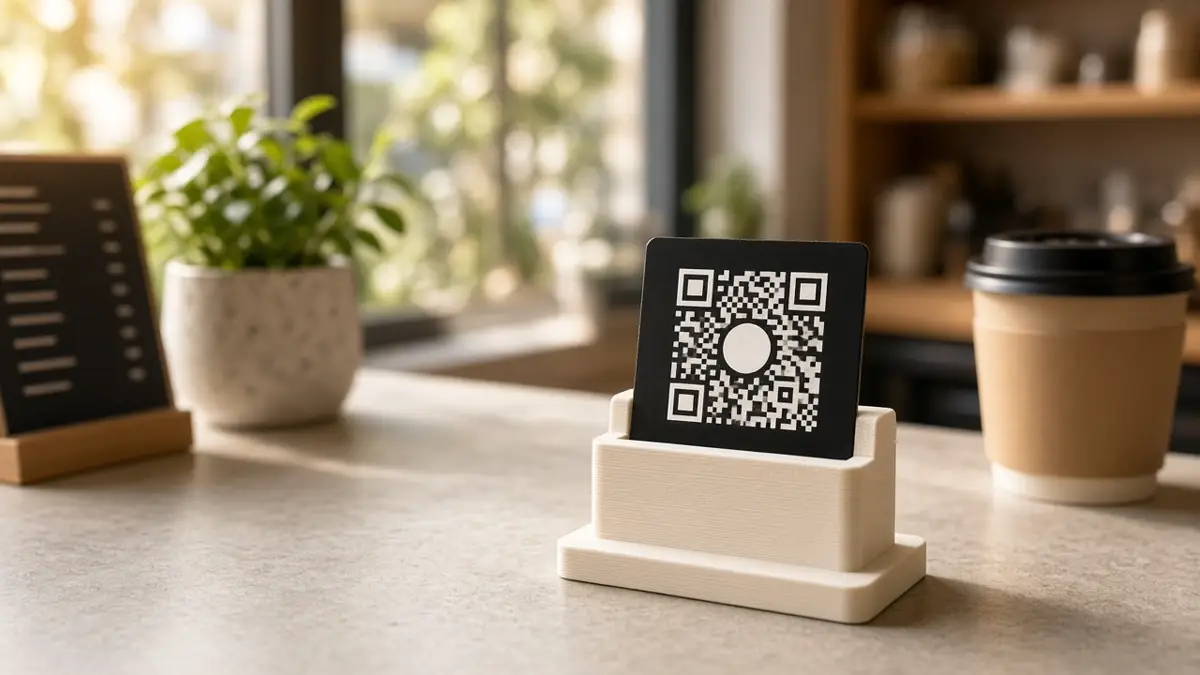
Use a stand when the code lives on a counter and a loose printout will curl or get lost. Ordering one is optional. The free download still works on its own.
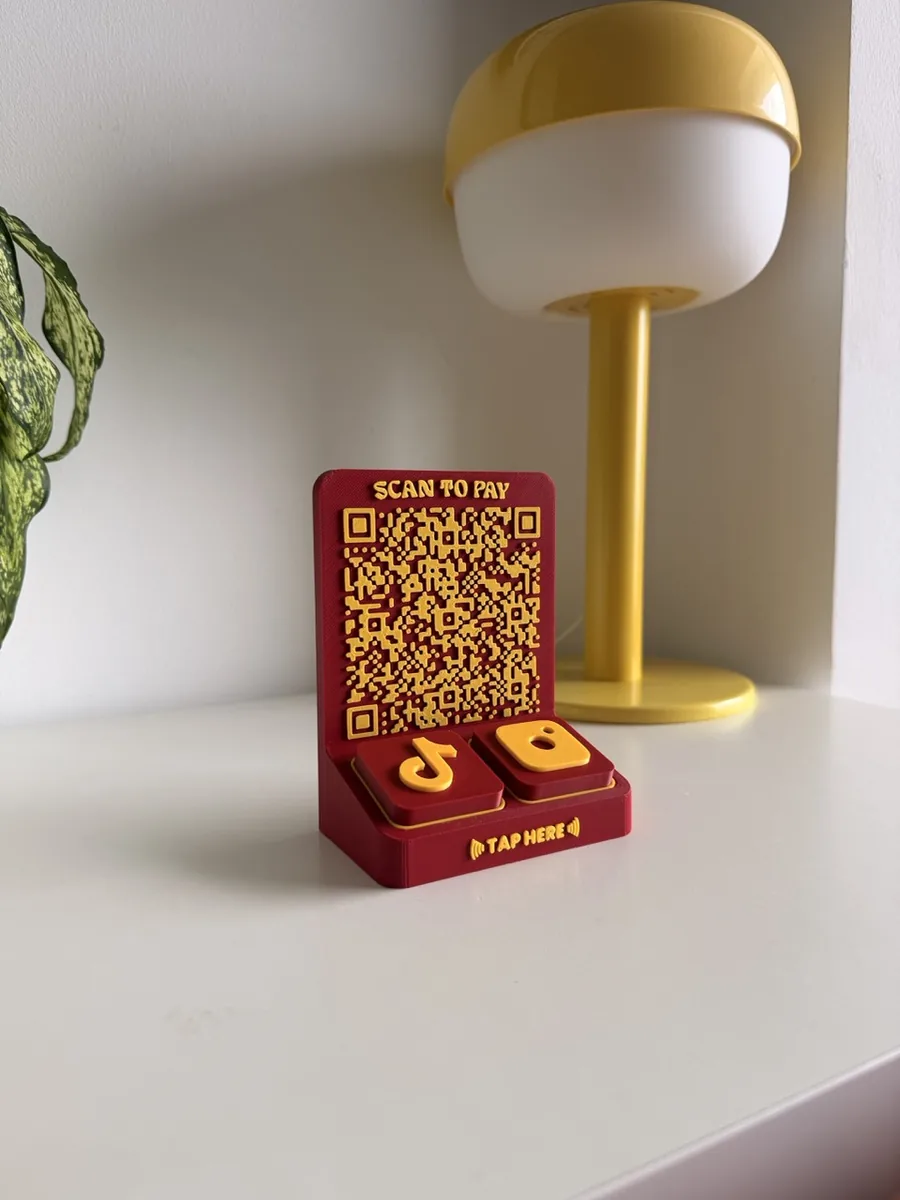
- The QR stand is a 3D-printed counter stand for the code, with an editable call to action.
- The Tap Bar QR puts a QR panel beside NFC tiles, so a customer can scan or tap.
- The 3D QR code generator makes a raised QR tile and PNG or SVG files. Its 3MF and STL downloads use a free Make account. It is a different tool from the no-account logo generator.
Do not use the logo generator for PayNow. A PayNow or SGQR payment code has to come from your bank or payment provider. The steps for OCBC, UOB and DBS are in how to generate a static PayNow QR in Singapore. You can still place that bank QR on a stand. You cannot recreate it by typing a link into this tool.