
Paper business cards are a ritual. You meet someone, exchange cards, and then... the card goes into a pocket, a drawer, or a bin. 88% of paper business cards are thrown away within a week.
In 2026, there are better ways to share your contact information, ways that actually get saved, used, and shared. Here are 7 professional alternatives to paper business cards, ranked by effectiveness.

1. NFC business cards and displays
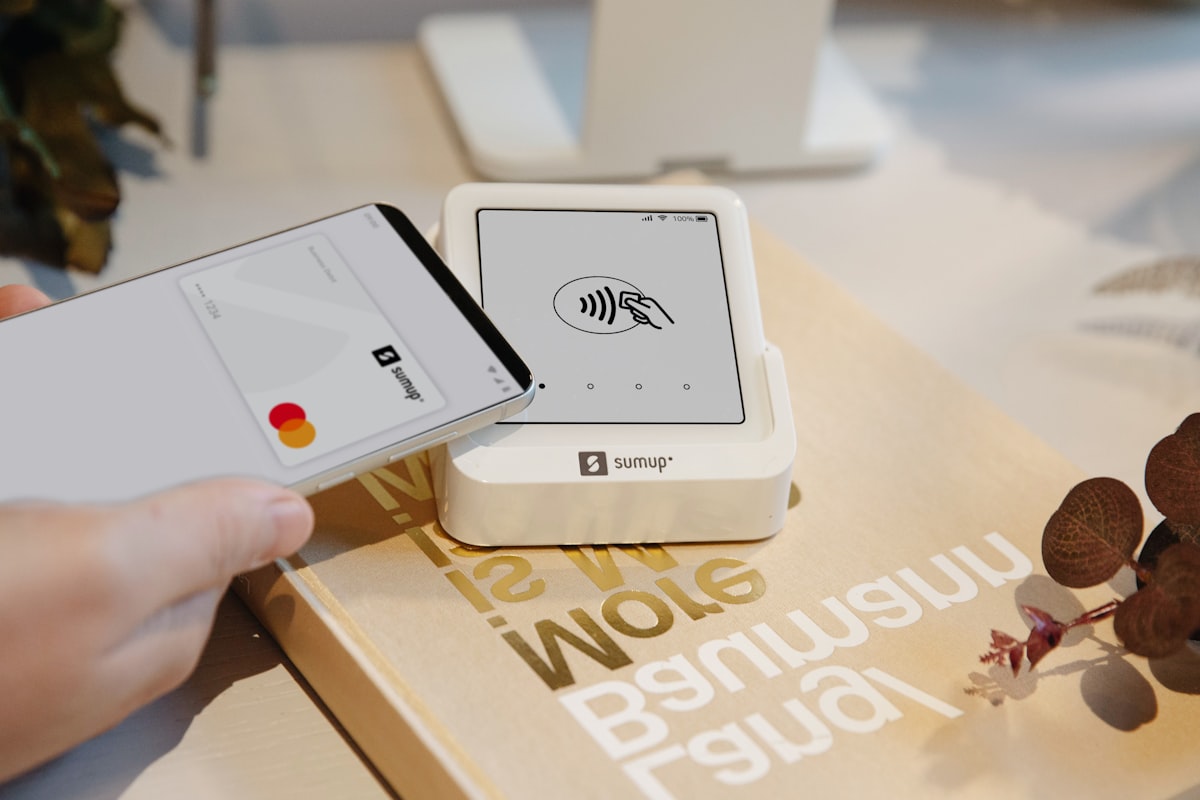
NFC (Near Field Communication) cards and displays let you share your contact info, website, portfolio, or social profiles with a single tap. The recipient holds their phone near your card or display, and your information appears on their screen.
How it works: An NFC chip embedded in a card or display is programmed with your links. No app needed. It works with the phone's built-in NFC reader.
Best for: Entrepreneurs, freelancers, consultants, anyone who networks regularly
Cost: S$15-89 for a card or display (one-time cost, reprogrammable)
- Always up-to-date (change your links anytime without reprinting)
- Impressive "wow factor" at networking events
- Can link to multiple destinations (website, LinkedIn, portfolio, WhatsApp)
- Works with 95%+ of modern smartphones
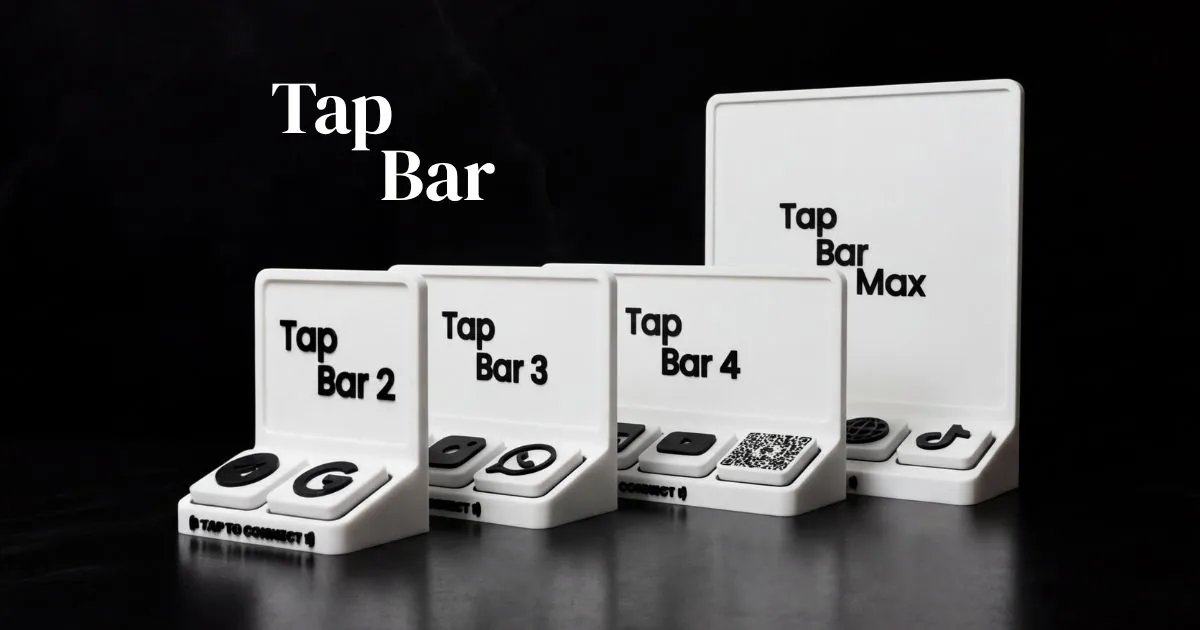
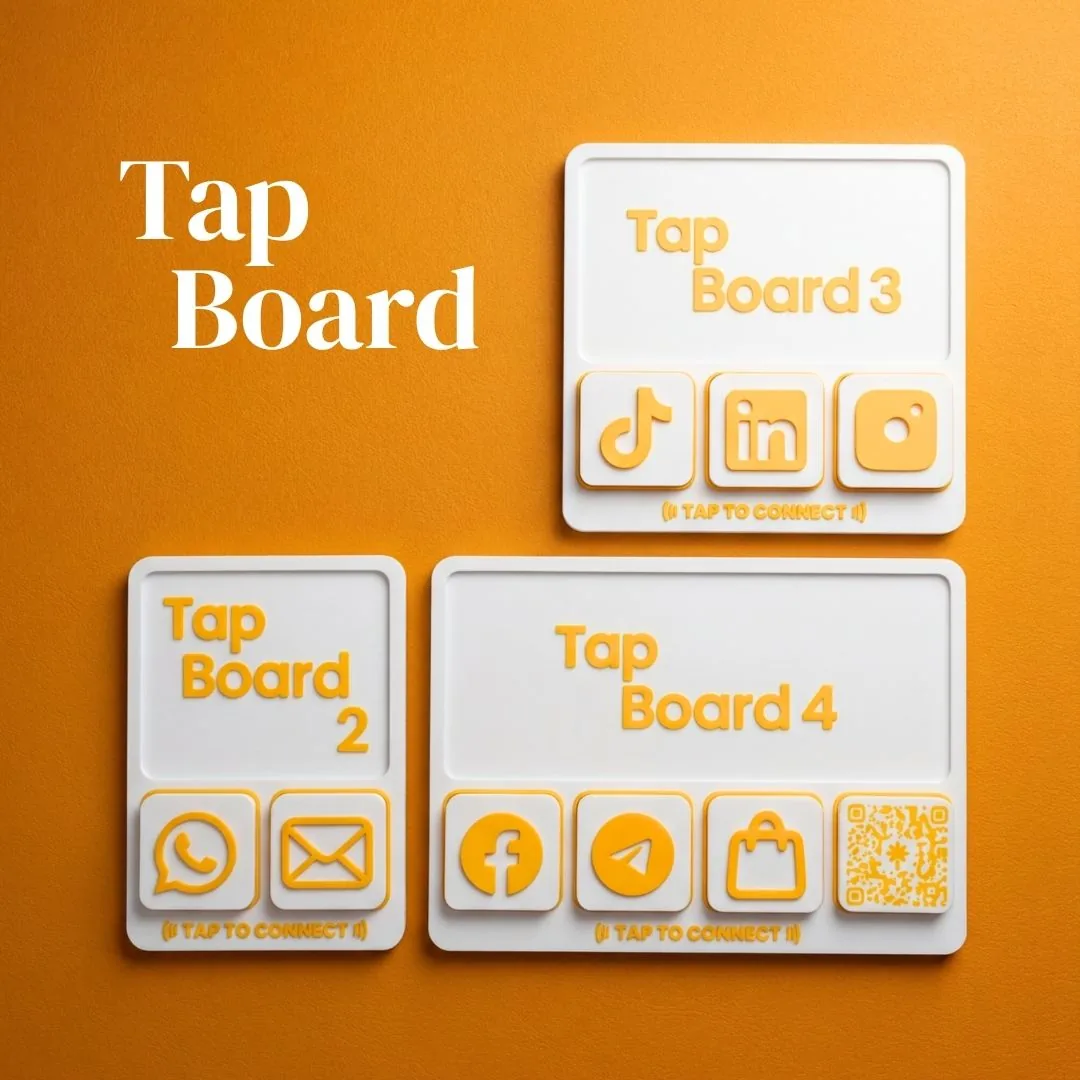
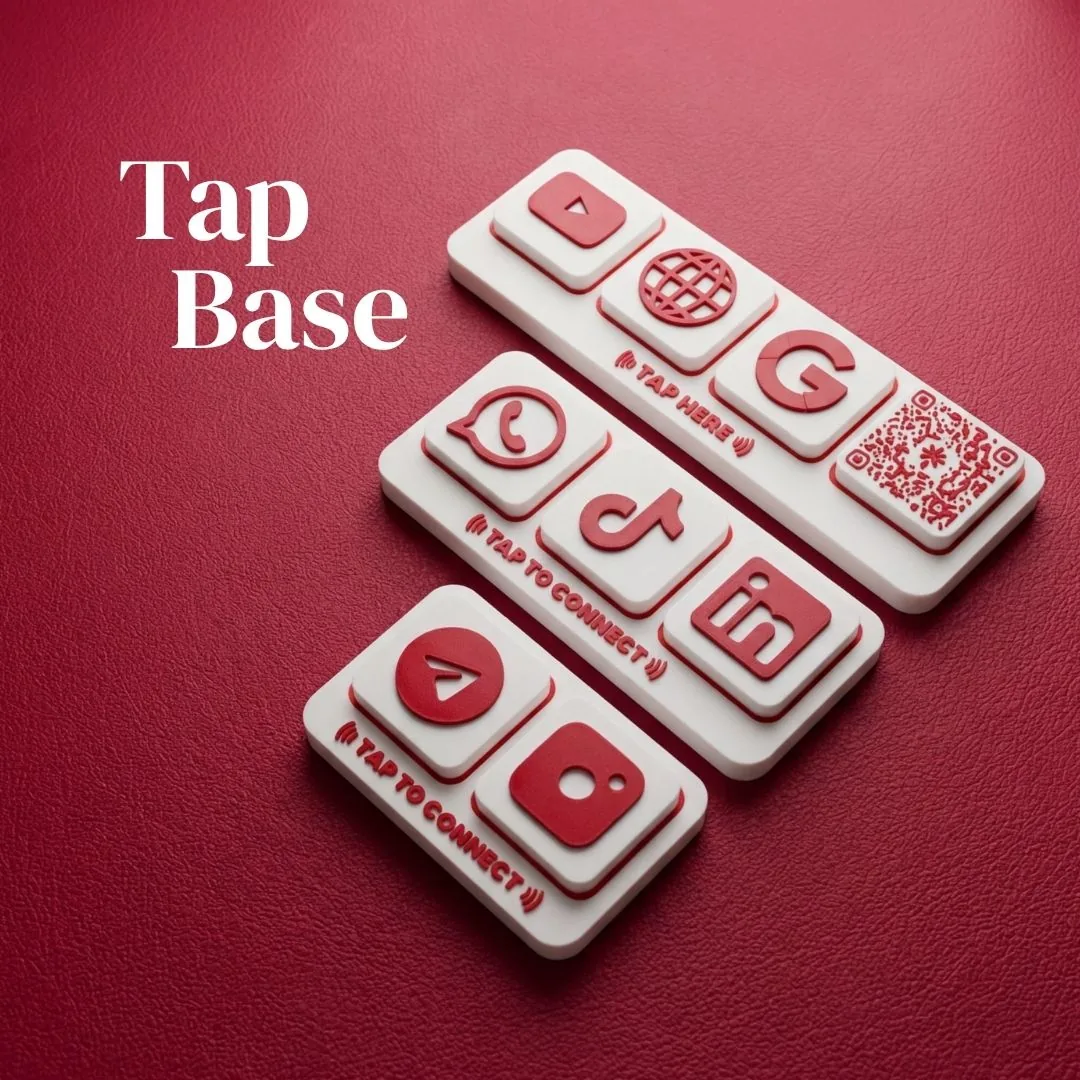
For businesses, an NFC display at your counter or reception serves the same purpose. Visitors tap to get all your info. See Tap To Connect Tap Base for a compact counter display.
2. QR code business cards
A physical card with a QR code instead of (or alongside) printed contact info. Scanning the QR code opens a digital profile or contact card.
Best for: Budget-conscious professionals, those who still want a physical card to hand over
Cost: S$30-80 for 500 cards with QR code
- Bridges physical and digital. You hand over something tangible
- QR can link to a dynamic page (update info without reprinting)
- Works universally. Every smartphone has a QR scanner
Read more: NFC Displays vs QR Codes: Which Is Better?
3. Digital business card apps
Apps like Popl, HiHello, and Blinq create digital business cards you can share via link, QR code, or NFC.
Best for: Tech-savvy professionals, those who want analytics on who views their card
Cost: Free (basic) to S$10-20/month (premium features)
- Always in your pocket (on your phone)
- Analytics: see who viewed your card and when
- Easy to update
- Can integrate with CRM tools

4. Email signature with vCard
Your email signature is a business card you send hundreds of times a year. Upgrade it with a clickable vCard link that saves your contact info directly to the recipient's phone.
Best for: Anyone who communicates primarily via email
Cost: Free
- Zero effort. It's in every email you send
- vCard saves directly to contacts (no manual entry)
- Include your headshot, title, and social links
5. LinkedIn QR code
LinkedIn has a built-in QR code feature. Open the LinkedIn app, tap the search bar, and you'll see a QR code icon. Others scan it to instantly connect.
Best for: B2B professionals, corporate networking events
Cost: Free
- No extra tool needed. It's built into LinkedIn
- Instant connection request
- Works at any professional event
6. AirDrop contact card (Apple users)
Create a contact card on your iPhone and AirDrop it to nearby Apple users. Quick, free, and surprisingly effective in Singapore where iPhone usage is high.
Best for: Casual networking, Apple-heavy environments
Cost: Free
- Instant transfer
- Saves directly to their contacts
- Works without internet
7. USB business cards
A USB drive shaped like a business card, preloaded with your portfolio, resume, or product catalogue. Niche, but memorable.
Best for: Designers, photographers, creatives with portfolio-heavy work
Cost: S$5-15 per unit (bulk order)
- Highly memorable. No one throws away a USB
- Can hold entire portfolios, videos, or proposals
- Works offline
Comparison chart
| Method | Cost | Updateable | Wow Factor | Universal |
|---|---|---|---|---|
| NFC card/display | S$15-89 | Yes | High | 95% |
| QR business card | S$30-80 | Dynamic QR: Yes | Medium | 100% |
| Digital apps | Free-S$20/mo | Yes | Medium | 95% |
| Email vCard | Free | Yes | Low | 100% |
| LinkedIn QR | Free | N/A | Low | LinkedIn users |
| AirDrop | Free | Manual | Low | Apple only |
| USB card | S$5-15 | Manual | High | 90% |
The layered approach
The best strategy isn't picking one. It's layering them:
- Primary: NFC card for in-person networking (one tap, done)
- Secondary: LinkedIn QR for professional events
- Passive: Email signature vCard for ongoing communication
- Business: NFC counter display for walk-in clients
NFC displays built for businesses like yours
Three product lines. One tap to connect your customers.