Google reviews are the new word-of-mouth. In Singapore, 93% of consumers read online reviews before visiting a local business. For cafes, your Google rating isn't just a vanity metric. It directly affects how many new customers walk through your door.
But getting reviews is hard. Customers are busy. They forget. They don't know how. And most cafes in Singapore are sitting on a goldmine of happy customers who would leave a review, if only someone made it easy enough.
Here are 8 proven tactics to get more Google reviews for your Singapore cafe, ranked by effectiveness.

Why review velocity matters more than review count
Google's algorithm doesn't just look at how many reviews you have. It looks at how frequently you get new ones. This is called review velocity.
A cafe with 200 reviews but none in the last 3 months will rank lower than a cafe with 80 reviews that gets 5-10 new ones every week. Consistency matters.
The tactics below are designed to build a sustainable review engine, not a one-time push.
Tactic 1: Place an NFC review display at the counter
This is the single highest-converting method. Place an NFC-enabled display at your payment counter, programmed to open your Google review page with a single tap.
Why it works:
- Zero friction: Customer taps their phone, review page opens instantly
- Perfect timing: They're at the counter after a good experience, phone already in hand (paying)
- No staff effort: The display does the asking, so your team doesn't have to
Singapore cafes using NFC review displays report 3-5x more reviews compared to asking verbally or using printed QR codes.
Tactic 2: Ask at the peak moment
Timing is everything. The best moment to ask for a review is when the customer is happiest, not when they're leaving. That's usually:
- Right after they compliment the food or coffee
- When they ask "what's in this?" (they're engaged)
- After they take a photo of their order (they're already in sharing mode)
Train your staff to recognise these moments and say something simple: "We'd love it if you left us a quick Google review. Just tap the display at the counter."
Tactic 3: Use a QR code on the receipt
Print a small QR code at the bottom of every receipt with the text: "Enjoyed your visit? Leave us a Google review." It won't convert everyone, but it's free and catches the customers who review things on their own time.
Read more: NFC Displays vs QR Codes: Which Is Better?
Tactic 4: Create a Google review shortlink
Your Google review link is long and ugly by default. Create a shortlink (like g.page/yourcafe/review) and use it everywhere: on your NFC display, receipt, table tent, and social media bio.
To find your link, go to your Google Business Profile, click "Get more reviews," and copy the link. You can use Bitly to create a branded shortlink if needed.
Tactic 5: Respond to every review
This doesn't directly get you more reviews, but it encourages future ones. When customers see that the owner responds to reviews (both positive and negative), they're more likely to leave their own.
Keep responses genuine and brief. Thank positive reviewers by name and address specific points. For negative reviews, acknowledge the issue and invite them back.
Tactic 6: Feature reviews on your Instagram
Share your best Google reviews as Instagram stories or posts. This does two things: it socially validates your cafe, and it reminds followers that reviews exist. Many customers simply don't think to leave a review until they see others doing it.
Related: Grow Your Instagram Followers as a Singapore Cafe
Tactic 7: Add a table tent at every table
A small tent card that says "Enjoying your visit? Tap here to leave a review" with an NFC tag embedded works brilliantly. Customers are sitting, relaxed, and have their phone out. It's the perfect low-pressure ask.
Tactic 8: Run a monthly review milestone
Set a public goal: "Help us reach 200 reviews this month!" Display it prominently. People love contributing to milestones. When you hit it, celebrate on social media and in-store. Then set the next one.
Your implementation plan
Don't try everything at once. Here's a phased approach:
Week 1: Set up your Google review shortlink and add an NFC display at the counter.
Week 2: Train staff on when and how to ask for reviews. Add the QR code to receipts.
Week 3: Start responding to all reviews. Share the best ones on Instagram.
Week 4: Add table tents. Set your first review milestone.
Within a month, you should see your review velocity increase by 3-5x. Within three months, the compounding effect on your Google ranking will bring noticeably more foot traffic.
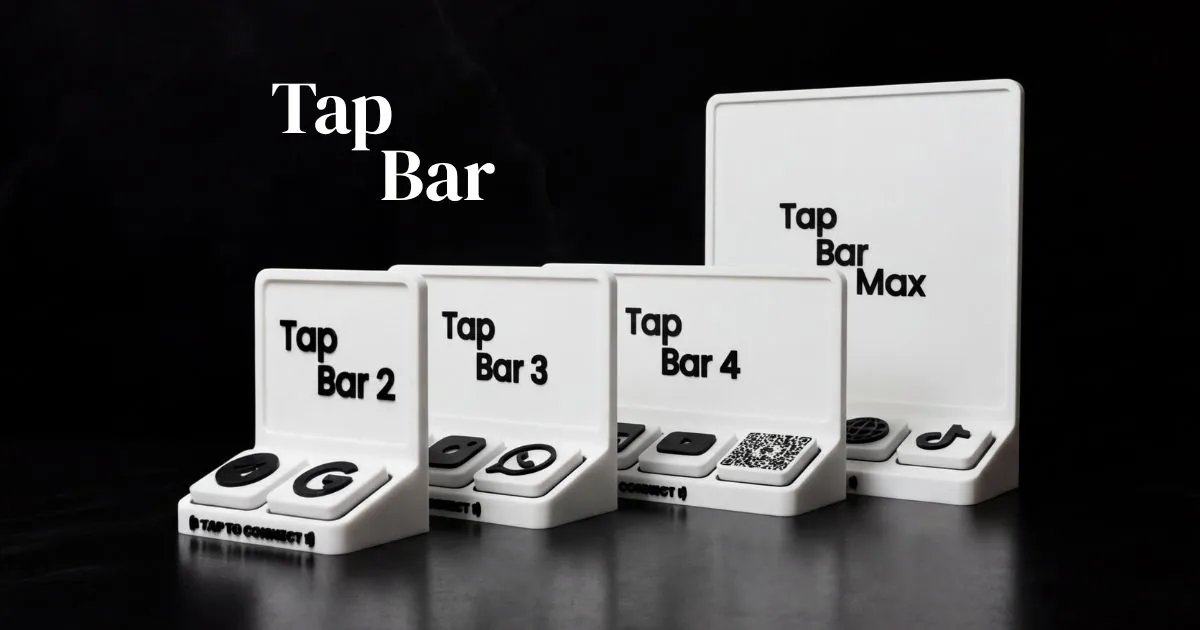
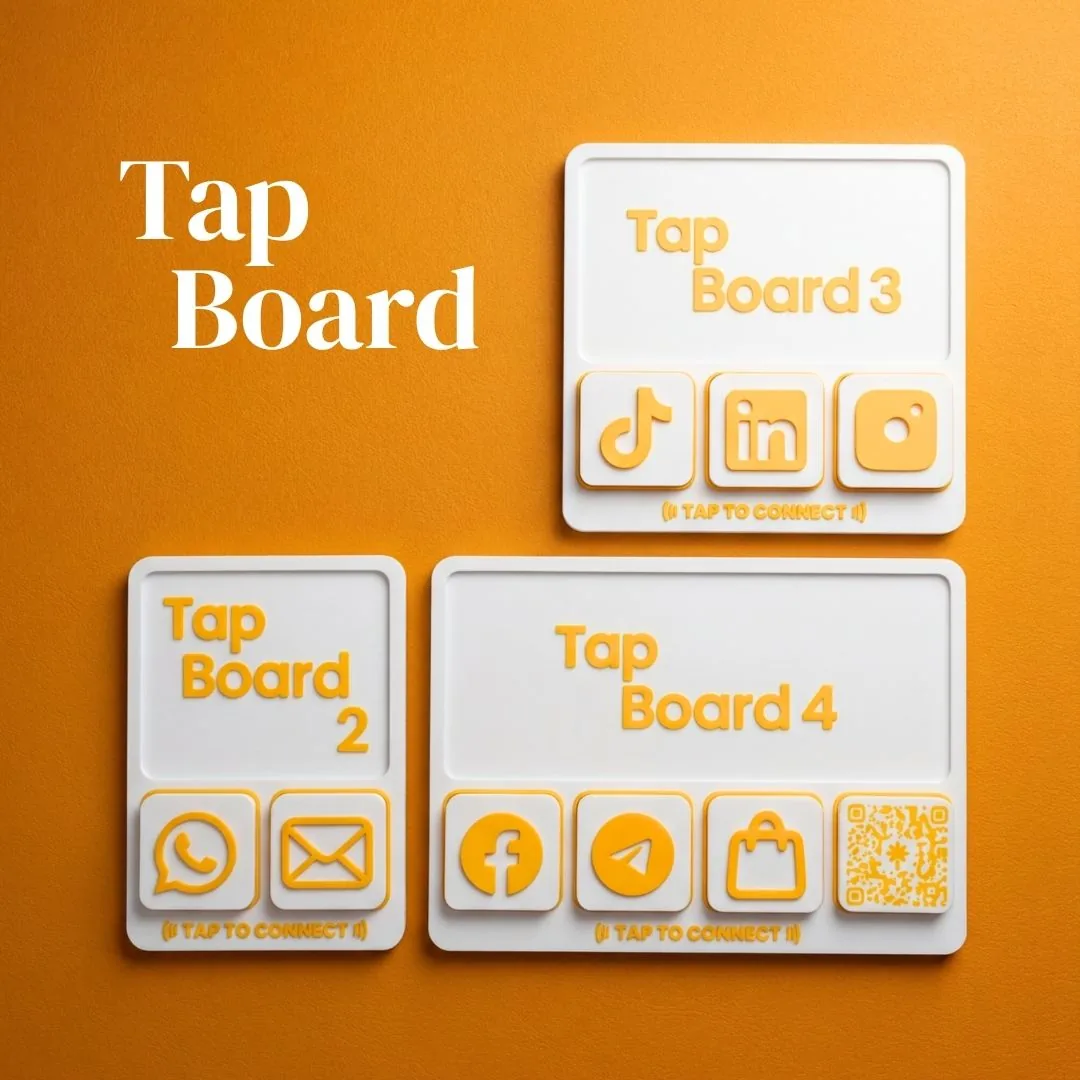
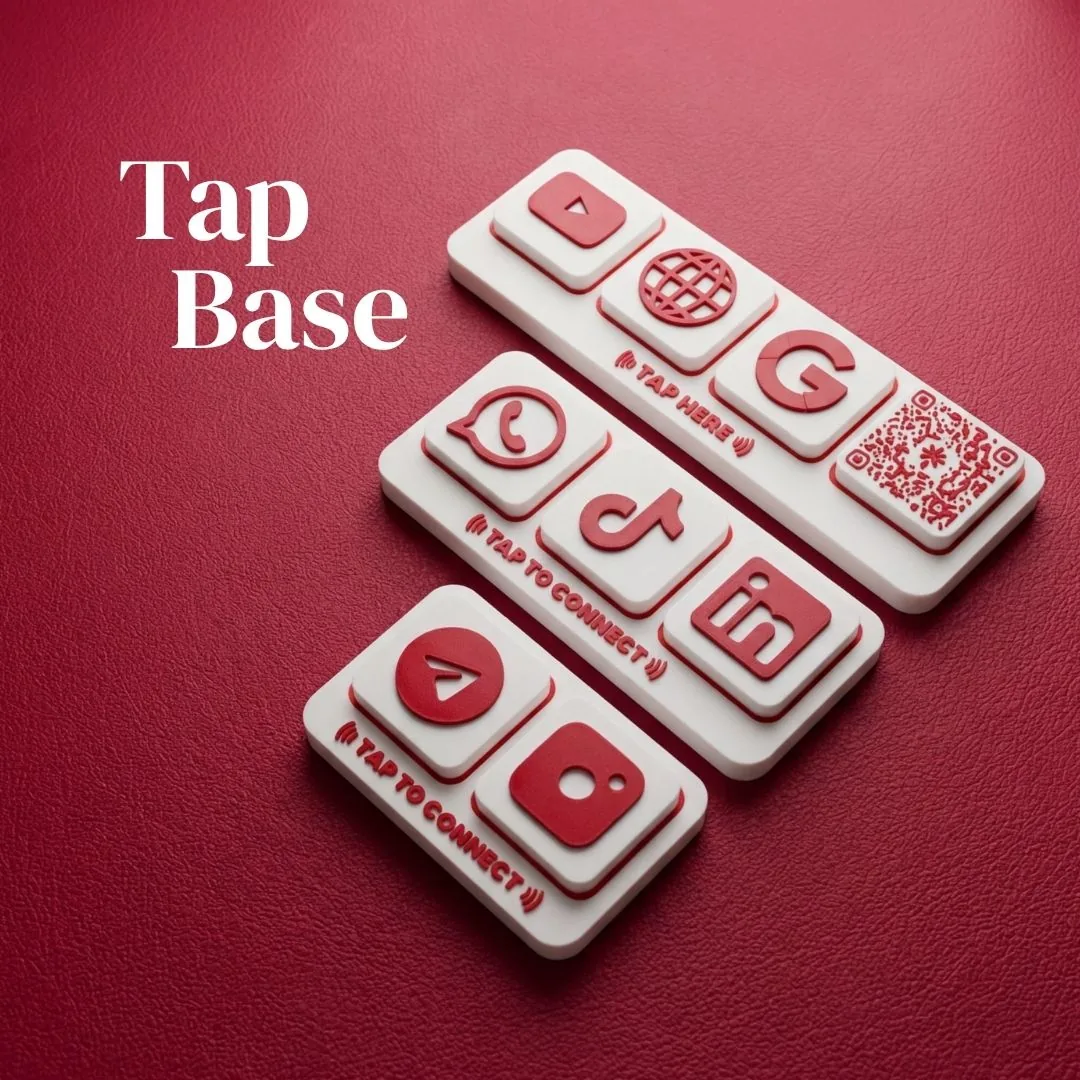
NFC displays built for businesses like yours
Three product lines. One tap to connect your customers.