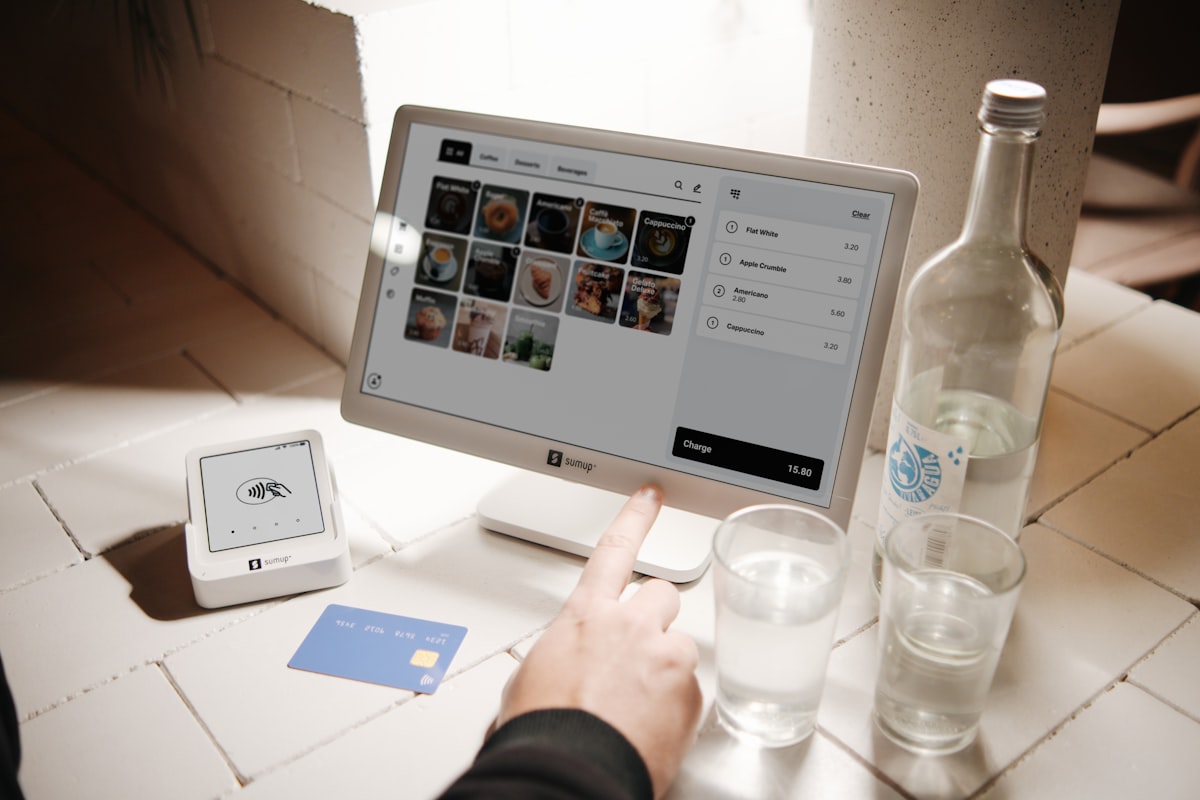
iPads seem like the obvious choice for a digital menu display. Sleek, interactive, familiar. But when you add up the real cost (hardware, cases, stands, software subscriptions, replacements when they break or get stolen) you're looking at S$15,000-22,000 over three years for a small cafe with just 2-3 devices.
That's a lot of money to show customers a menu they could view on their own phone. Let's look at 5 alternatives that work just as well (or better) for a fraction of the cost.
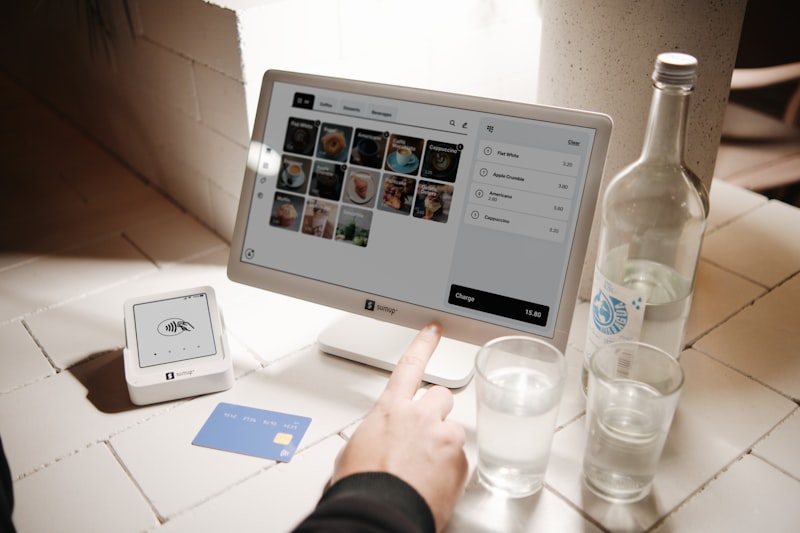
The real cost of iPads as menu displays
Before we look at alternatives, let's understand what iPads actually cost when used as cafe menu displays:
| Cost Item | Per Device | 3 Devices / 3 Years |
|---|---|---|
| iPad (base model) | S$499 | S$1,497 |
| Rugged case + stand | S$80-150 | S$240-450 |
| Menu software subscription | S$30-80/month | S$3,240-8,640 |
| Replacements (damage/theft) | S$499 x 1-2 | S$499-998 |
| IT support and updates | ~S$50/month | S$1,800 |
| Total | S$7,276-13,385 |
And that doesn't include the time spent managing the devices, charging them, updating the software, and dealing with the inevitable "the iPad is frozen" moments during lunch rush.
Alternative 1: Printed menu with QR code for digital version
The simplest approach: a beautifully designed printed menu on the table, with a small QR code that links to a digital version for those who want it.
Cost: S$50-200 for professional printing
Pros: Reliable, no batteries, no tech issues, customers can take their time
Cons: Expensive to reprint when menu changes, can look worn over time
Design your menu in Canva for free and get it professionally printed at any local print shop. Budget S$2-5 per menu card.
Alternative 2: QR code table tents
Place a QR code on each table that links to your digital menu (hosted on your website, Google, or a free platform like Linktree). The menu lives on the customer's phone.
Cost: S$20-50 for printed table tents
Pros: Menu updates are instant (just update the linked page), very cheap
Cons: Requires customer to scan, some older customers may struggle
Generate free QR codes at QR Code Generator. Use a dynamic QR so you can change the destination URL without reprinting.
Alternative 3: NFC-enabled counter display
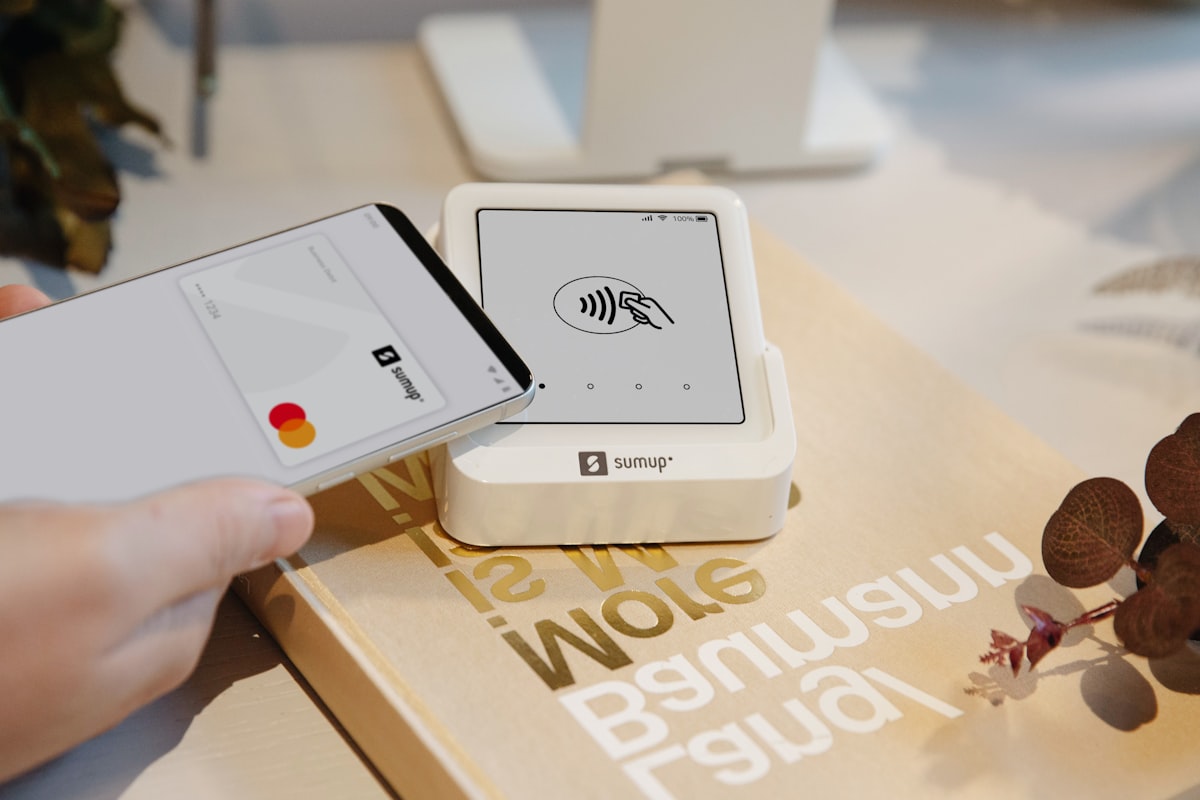
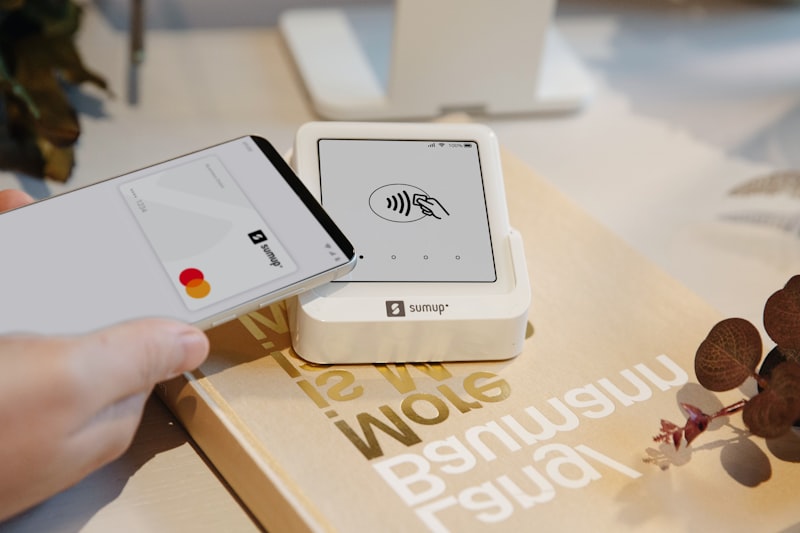
An NFC display at the counter or on tables that opens your menu with a single phone tap. No scanning required. Just tap and the menu appears.
Cost: S$29-89 per display (one-time)
Pros: Faster than QR, works even in low light, looks professional, no ongoing costs
Cons: Requires NFC-compatible phone (95%+ of modern smartphones)
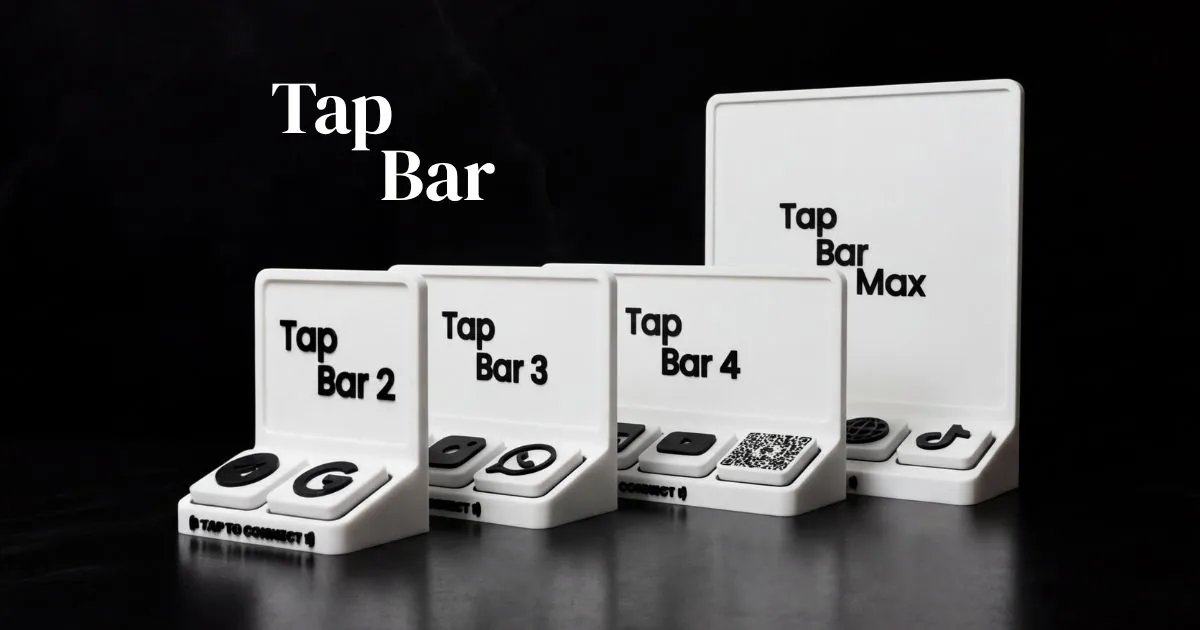
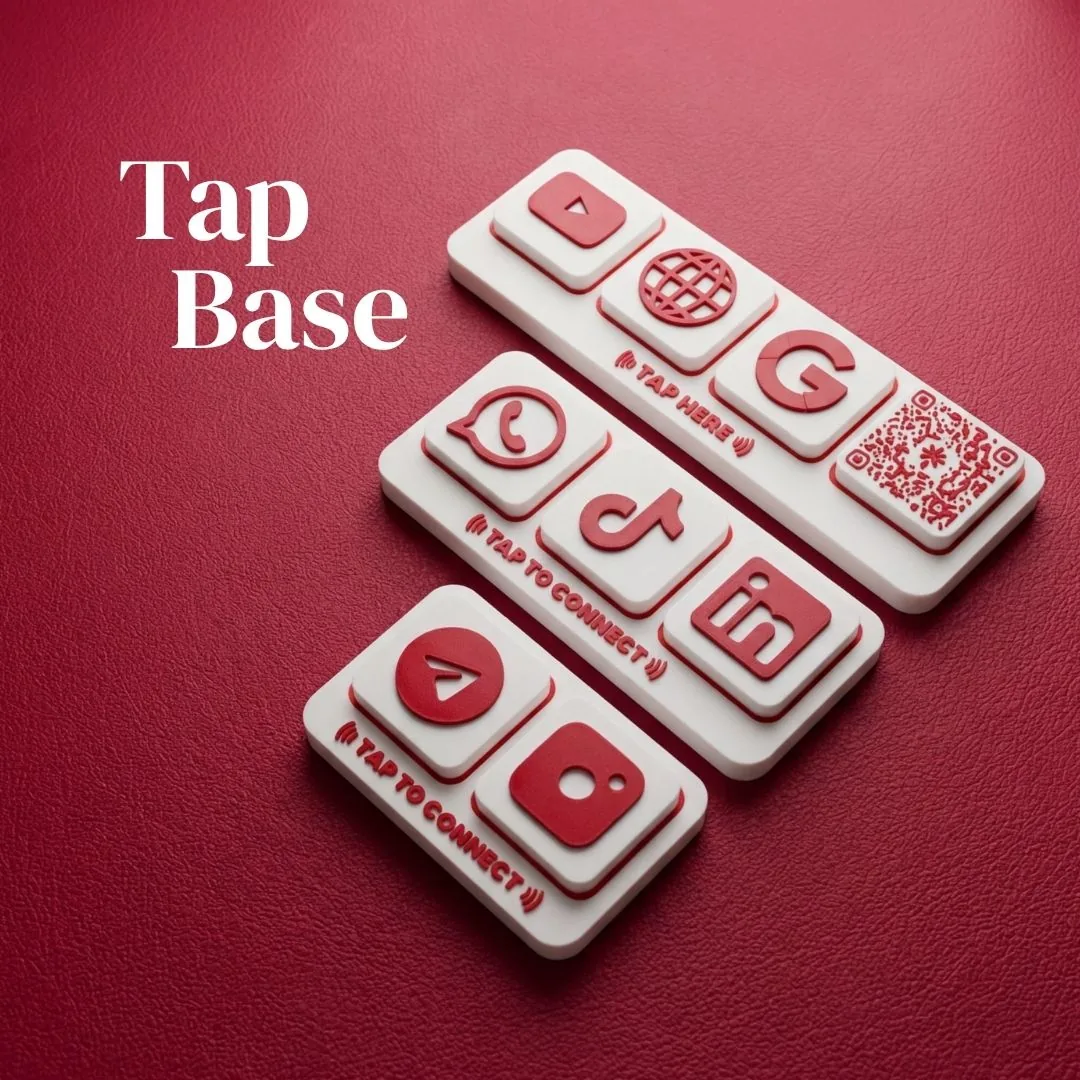
This is the approach gaining the most traction in Singapore's cafe scene. A single Tap To Connect Tap Base at the counter can serve your entire menu, Google review link, and social media, all from one device.
Read more: NFC Displays vs QR Codes: Which Is Better?
Alternative 4: Instagram highlights as your menu
Create a dedicated "Menu" highlight on your Instagram profile. Post each menu category as a story, save it to the highlight. Direct customers to your Instagram via NFC, QR, or a simple sign.
Cost: Free
Pros: Easy to update, doubles as social media engagement, visual and appealing
Cons: Requires Instagram account, menu browsing not as structured as a proper menu page
This works especially well for cafes with photogenic food. Every menu view is also a potential follow.
Alternative 5: WhatsApp catalogue
WhatsApp Business lets you create a product catalogue with images, descriptions, and prices. Share the link via NFC display, QR code, or in-store signage.
Cost: Free
Pros: Familiar interface for Singaporeans, built-in ordering potential, easy to update
Cons: Not as visually polished as a website, limited layout options
The best system: combine them
The smartest cafes don't choose one method. They layer them:
- Counter: NFC display linking to your full digital menu + Google reviews
- Tables: Simple printed menu card + QR code for the digital version
- Takeaway counter: Instagram handle and WhatsApp order link
Total cost: under S$200. Total iPad cost avoided: S$15,000+.
Which size should you choose?
For NFC displays specifically, the size depends on your setup:
| Display Type | Best For | Starting Price |
|---|---|---|
| Tap Base | Counter or table, compact spaces | S$29 |
| Tap Bar | Counter display, multiple links | S$89 |
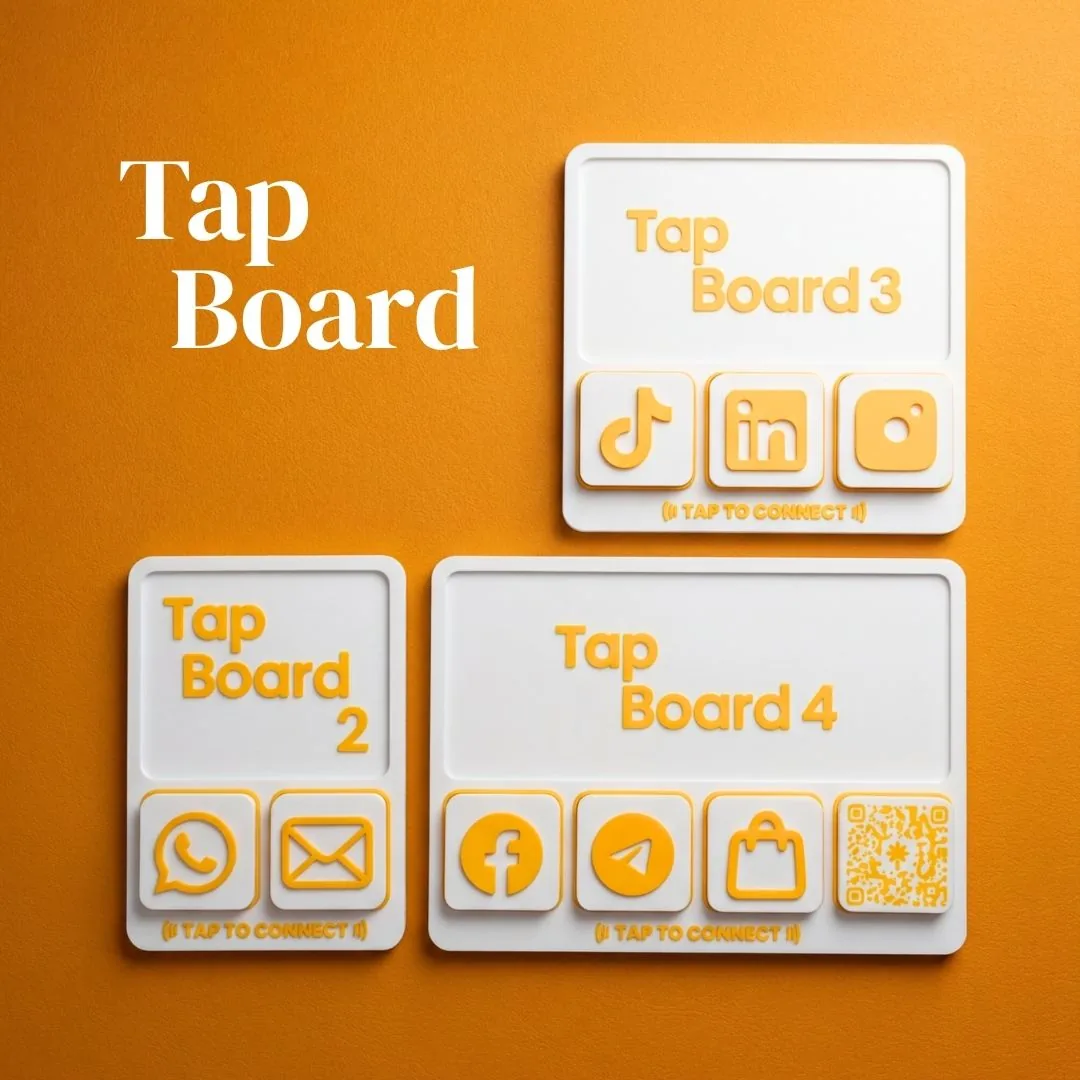
| Tap Board | Wall-mounted or larger counter display | S$89 |
NFC displays built for businesses like yours
Three product lines. One tap to connect your customers.