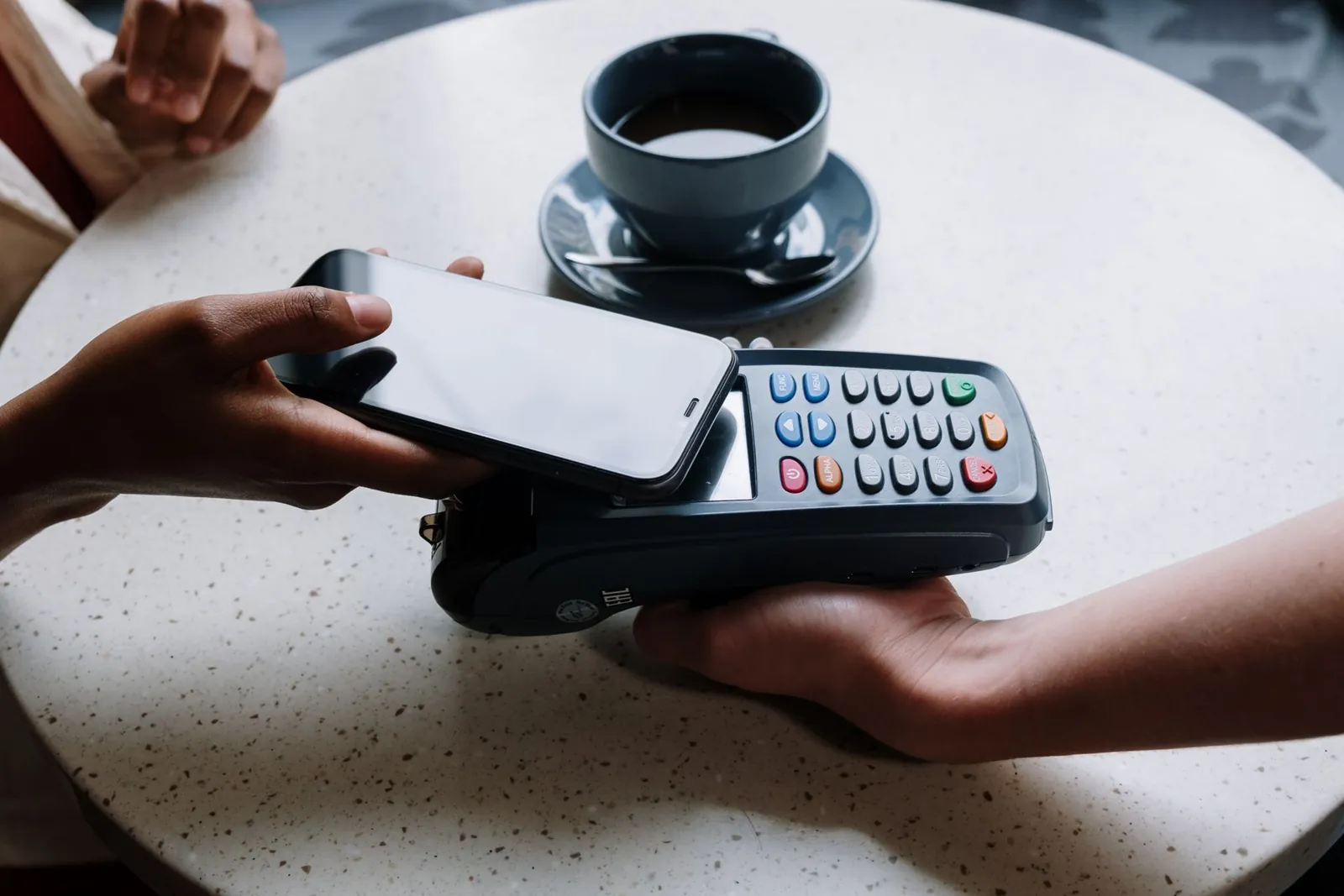
Short answer. An NFC tap stand is a counter or wall display with NFC tiles inside. A customer taps their phone on a tile and your link opens straight away: your Google review form, Instagram, menu or booking page. No app, battery or subscription is needed, and you can change each link at any time.
Here is how it works, which phones it works with, and how businesses use one.
How it works
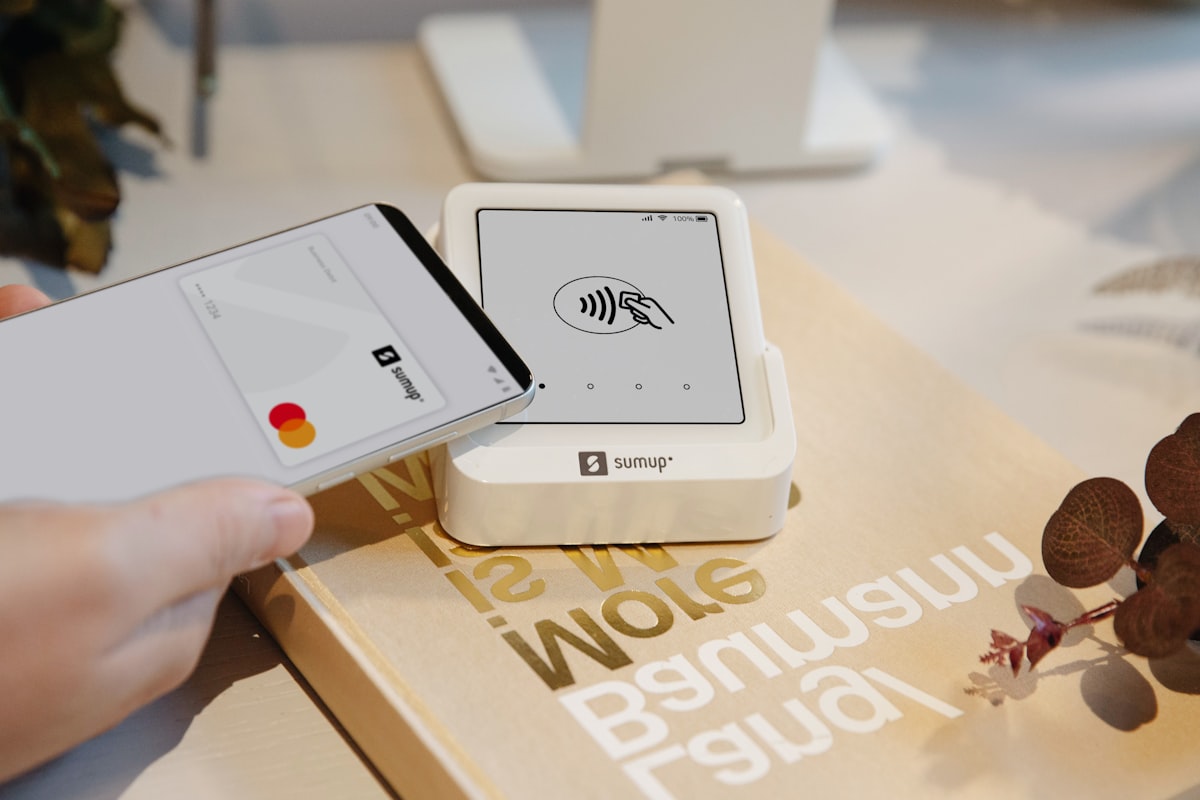
Each tile holds a small NFC chip. NFC stands for near field communication, the same technology behind contactless card payments.
- The chip stores one link. It is written before the stand ships, so it works the day it arrives.
- The phone powers the chip. When a phone comes within a few centimetres, it sends a little energy to the chip. That is why the tiles need no battery or charging.
- The link opens. The phone shows a banner or opens the page. Your customer is on your review form within seconds.
Nothing runs through an app or a middleman. The tile holds your link and the phone opens it.

What a tap can open
One tile, one link. Most businesses choose their two to four most useful links:
- Google review form. The most common first tile.
- Instagram or TikTok. Turns a visit into a follow.
- WhatsApp chat. For bookings and questions.
- Menu, booking page or online shop. Anything with a web address.
Which phones work
- Android: all phones with NFC turned on. It is on by default on most models.
- iPhone: iPhone 11 and newer read the tiles without any app. Hold the top of the phone on the tile for a second. iPhones pause briefly as a security check.
Tap, scan, or both
Tapping is the fastest way to open a link. There is no camera to open, nothing to focus and no glare.
Some things can only be scanned, though. Payment QR codes such as PayNow in Singapore and DuitNow in Malaysia are read inside a banking app. A tap cannot open them. For payments, a QR code is required, not a backup.
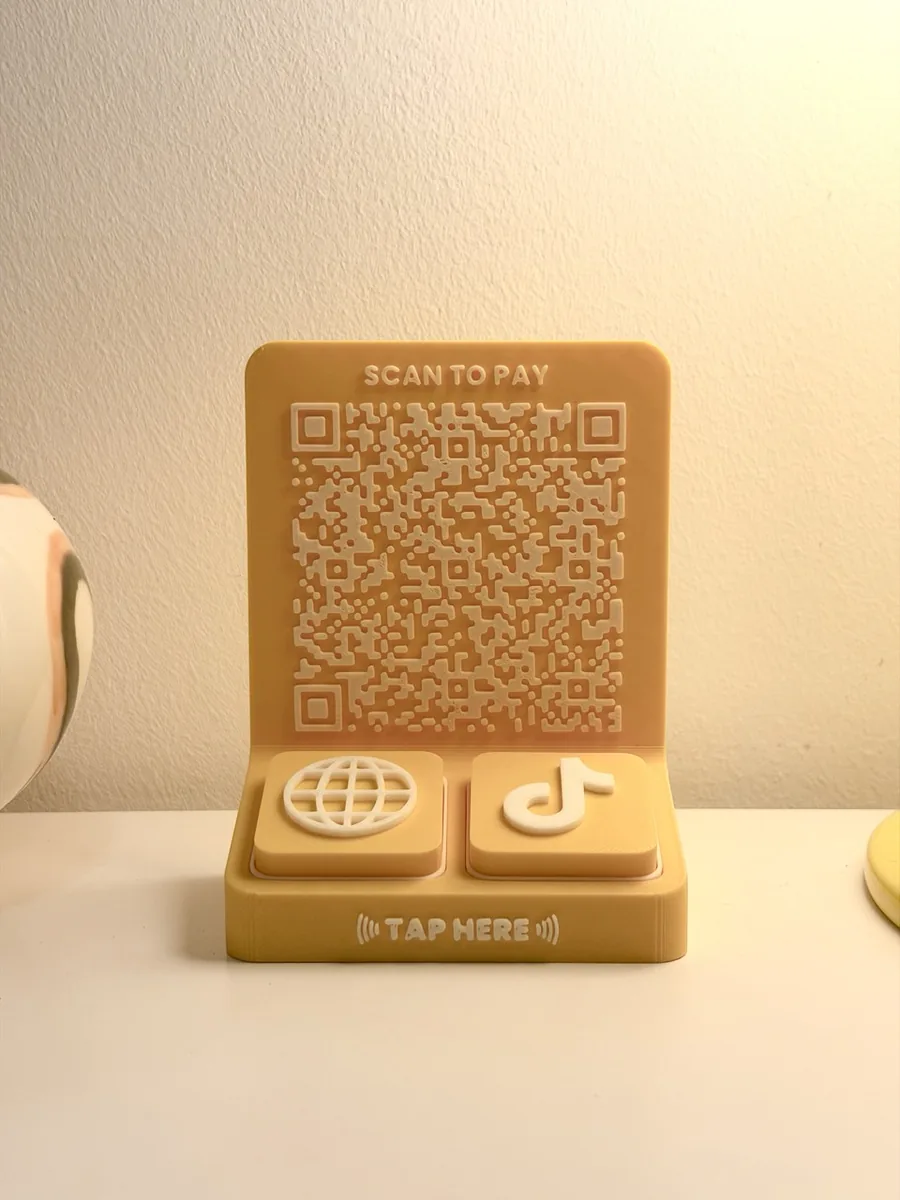
That is why a tile can carry a printed QR code as well as its NFC chip, and why the Tap Bar QR puts a QR panel beside its tiles. Customers tap to review or follow, and scan to pay. We compare the two in detail in NFC Displays vs QR Codes.
Who uses NFC tap stands
More than 400 businesses use our stands across Europe, Singapore, Malaysia and Australia. A few of them:
- A durian store: 99 Old Tree uses a Tap Bar 4 at the counter.
- A bakery: Petite Krumbs uses a Tap Board 3 on the wall.
- A cafe: Quah Song uses a Tap Bar QR, so customers can tap or scan.
The pattern is the same everywhere. The stand sits where the customer already waits: the till, the pickup point or the reception desk.
Choosing a format
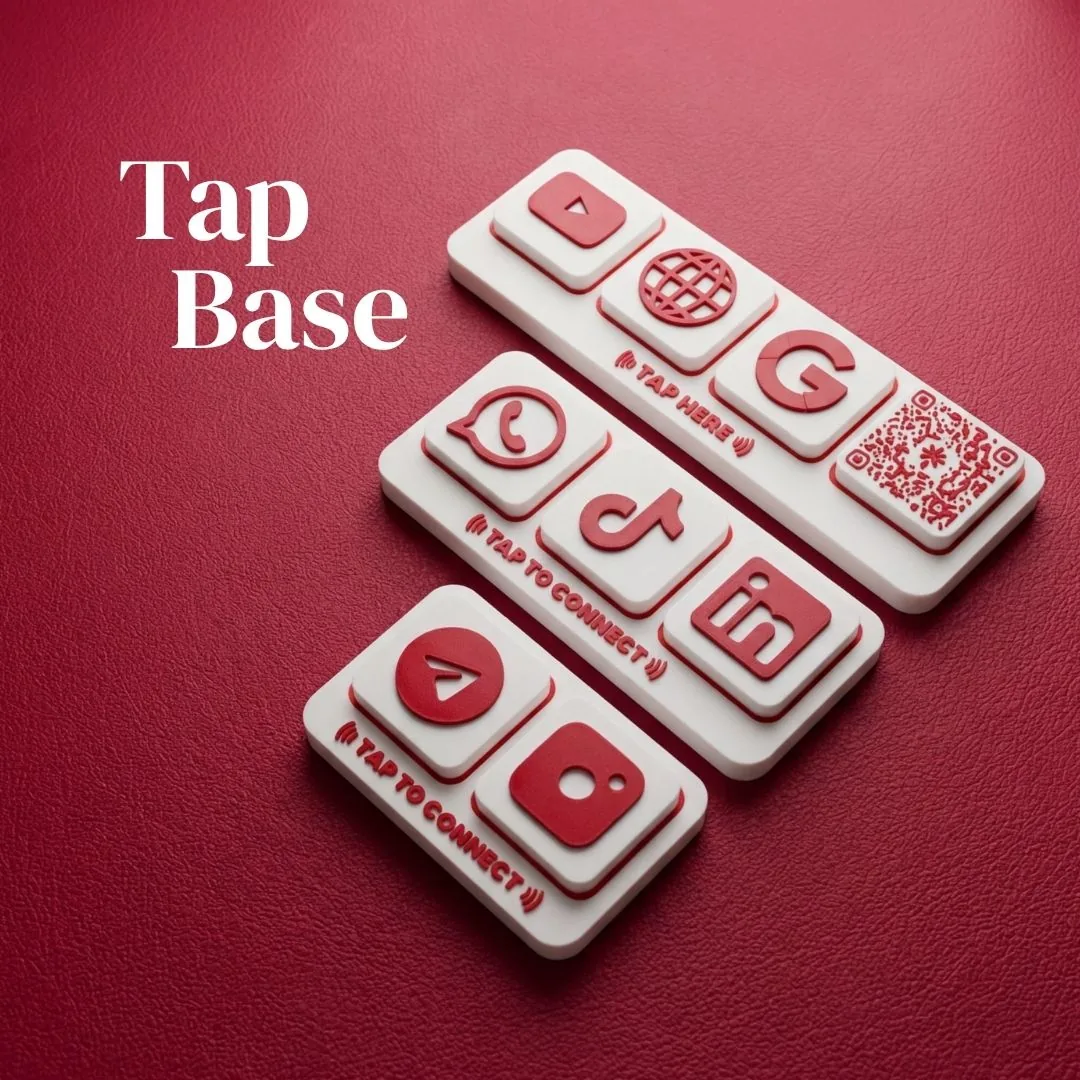
- Tap Base: a compact freestanding stand with two to four magnetic tiles. From S$29 in Singapore, RM69 in Malaysia and €19.99 in Europe.
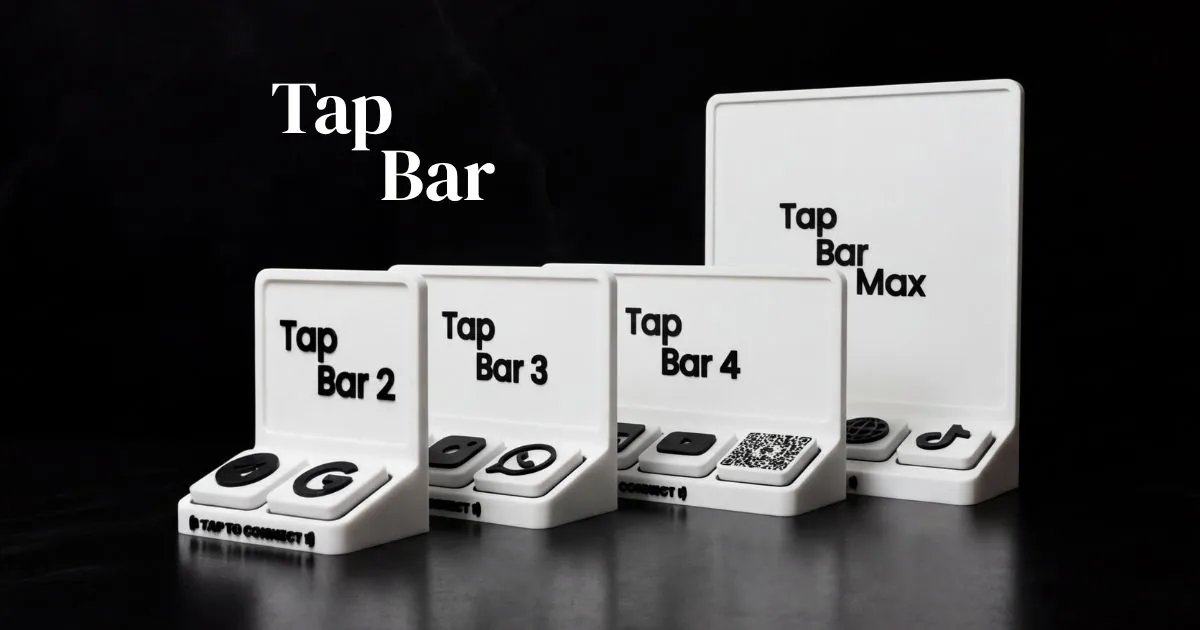
- Tap Bar: a tall counter stand with your logo embossed on the bar. Two to four tiles, or the larger Tap Bar Max.
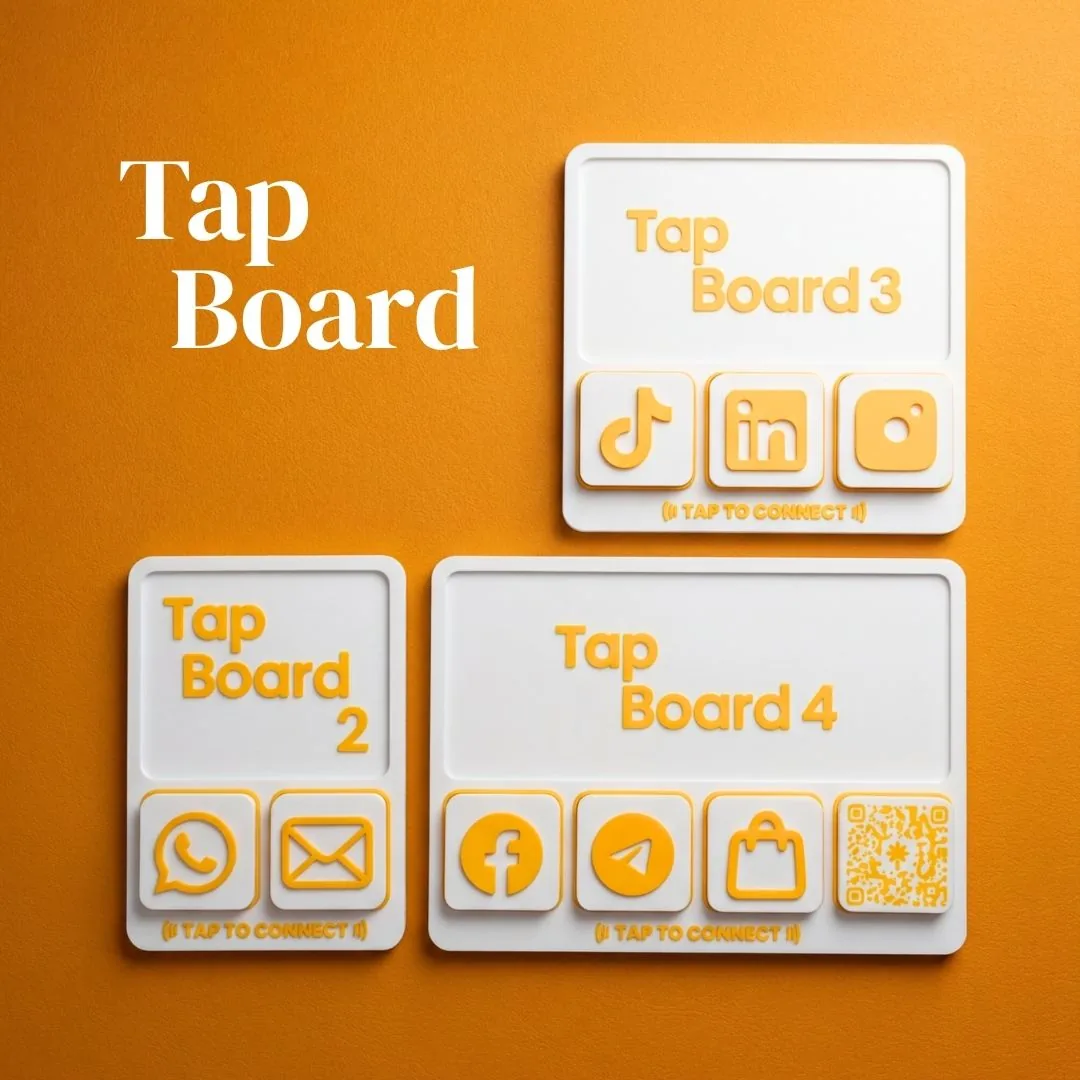
- Tap Board: a slim wall board for salons, studios and anywhere counter space is tight.
- Tap Tile: a single tile to add or swap on an existing stand.
Changing your links
Download the free NFC Tools app, tap the tile with your phone and write the new link. It takes under a minute. Your stand keeps working through a rebrand, a new booking system or a seasonal promotion.
Cost and timing
Stands start at S$29 for a Tap Base 2, with local prices in Malaysia and Europe. Payment is made upfront. You approve a digital proof, then production takes 10 business days.
NFC tap stands built for your counter
Three product lines. Your colours, your logo, your links.