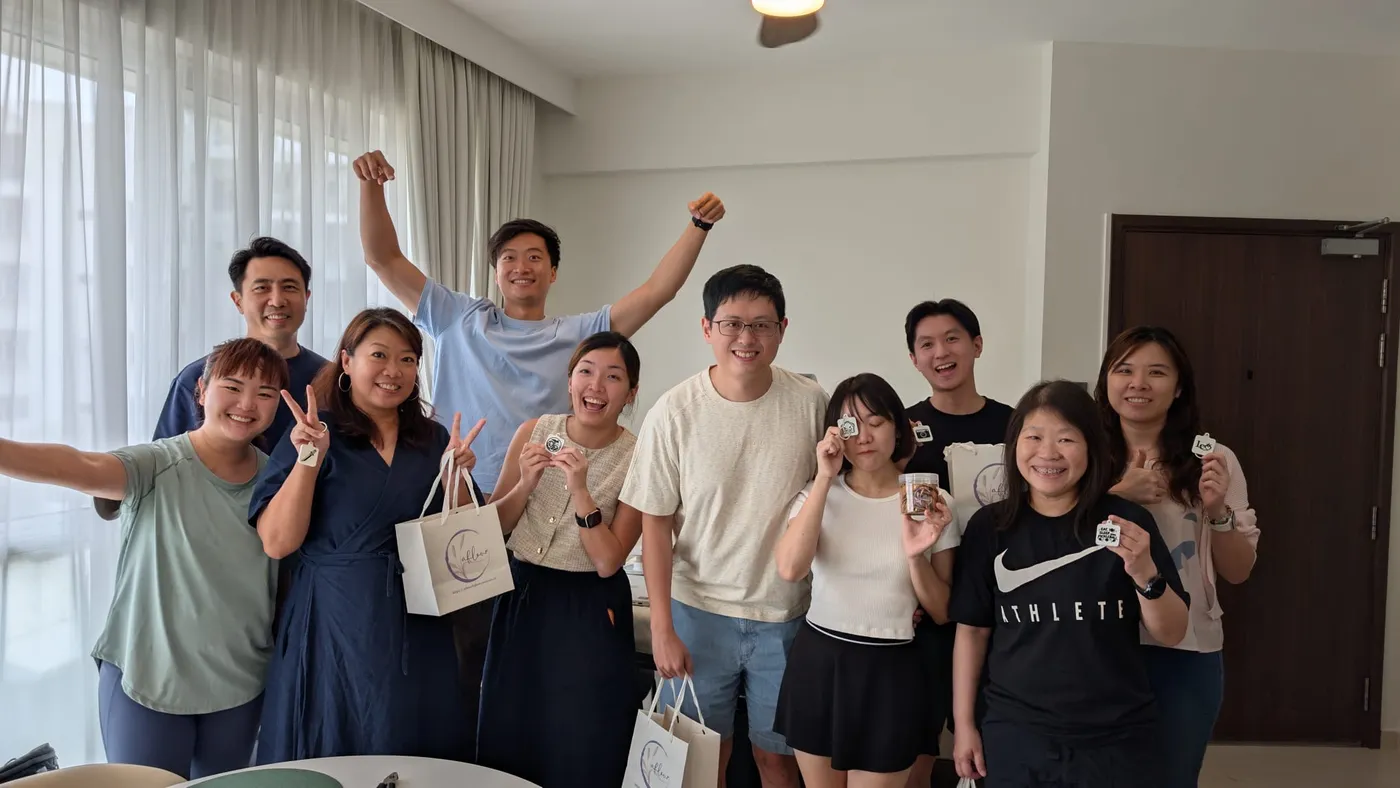
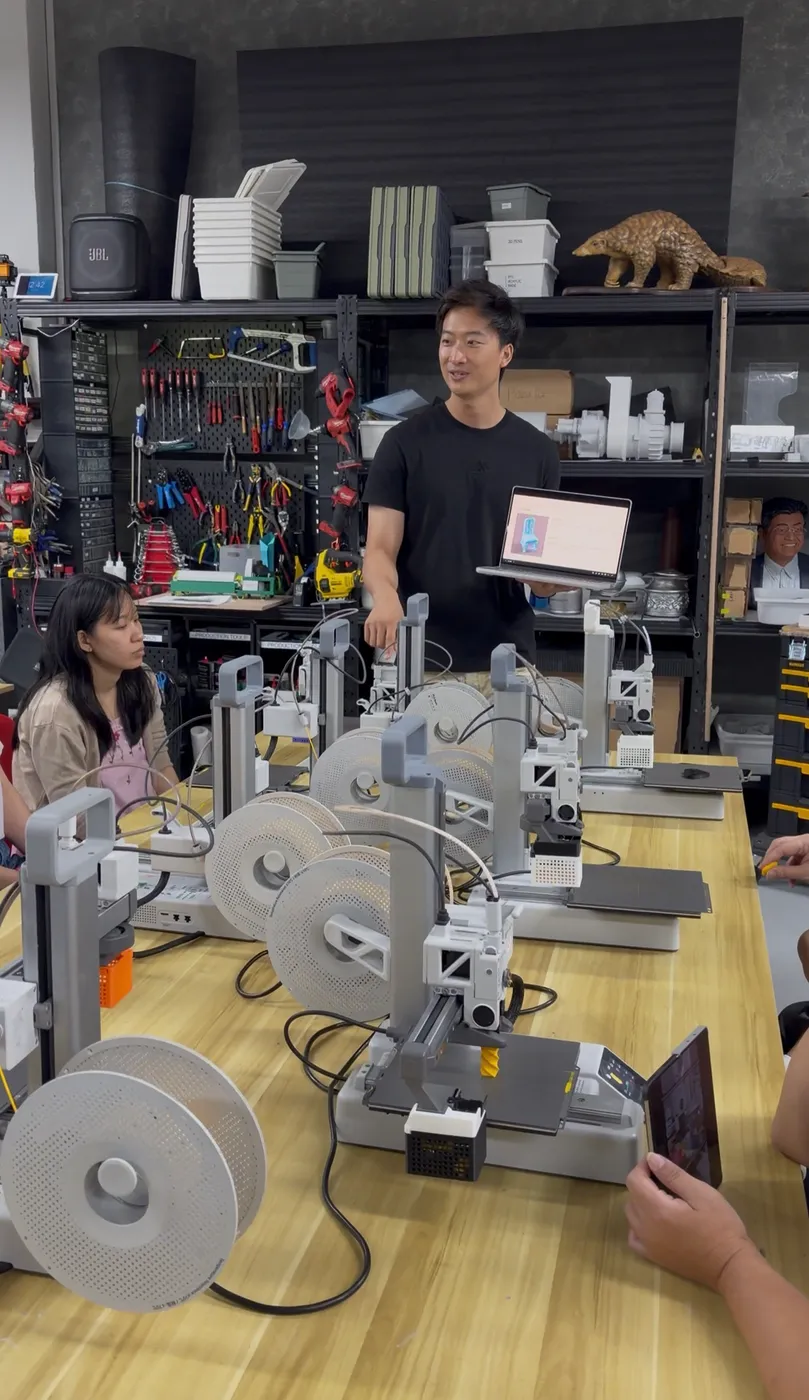
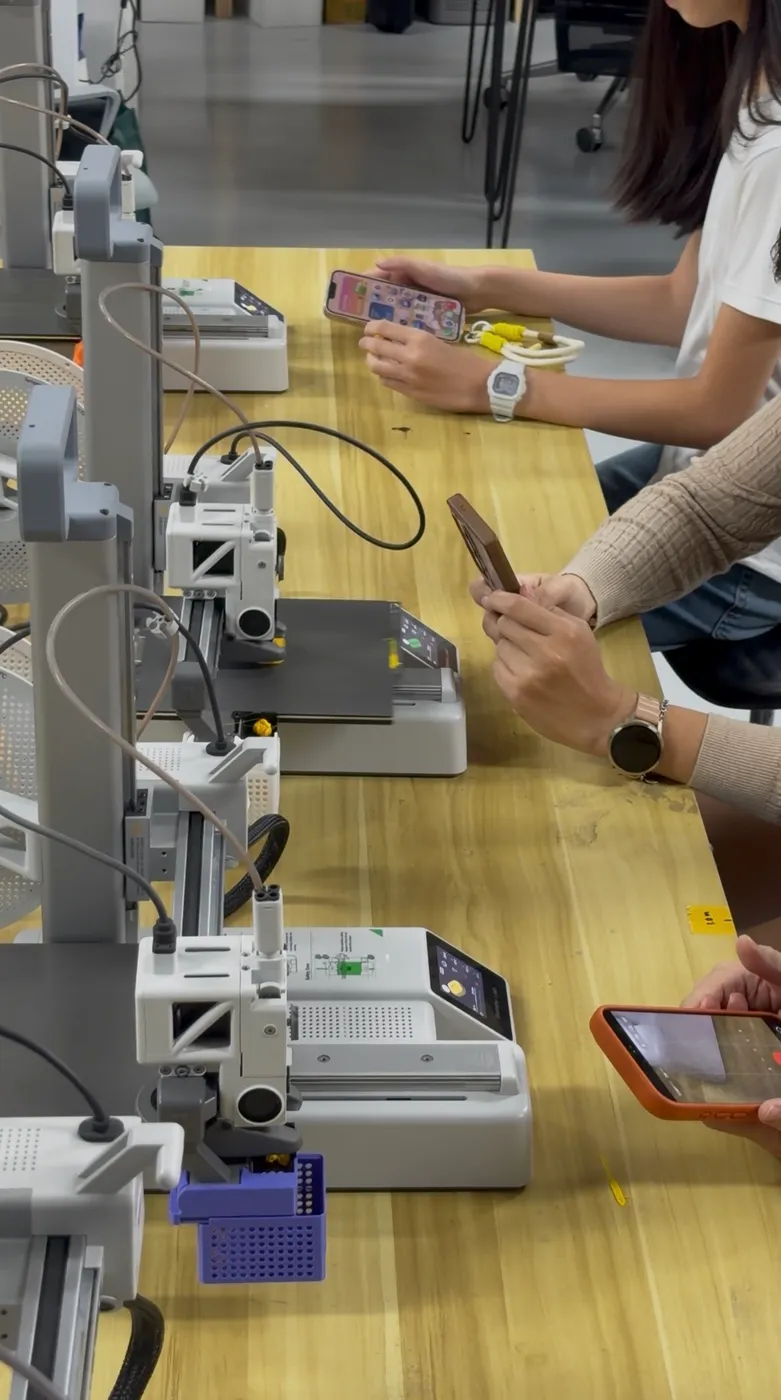
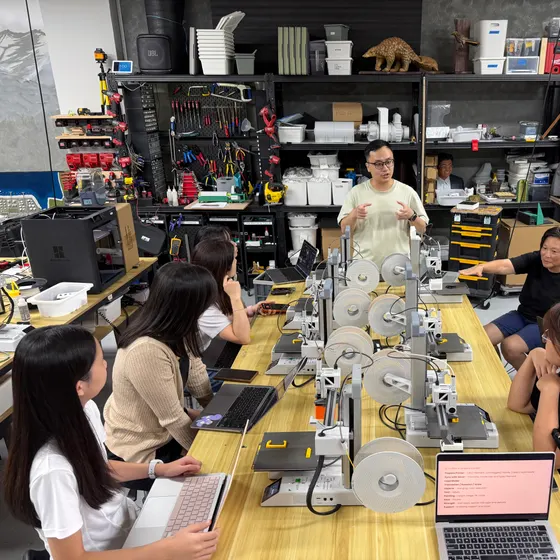
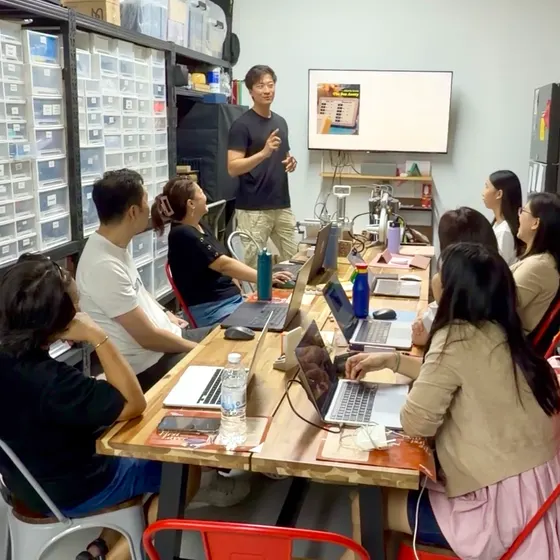
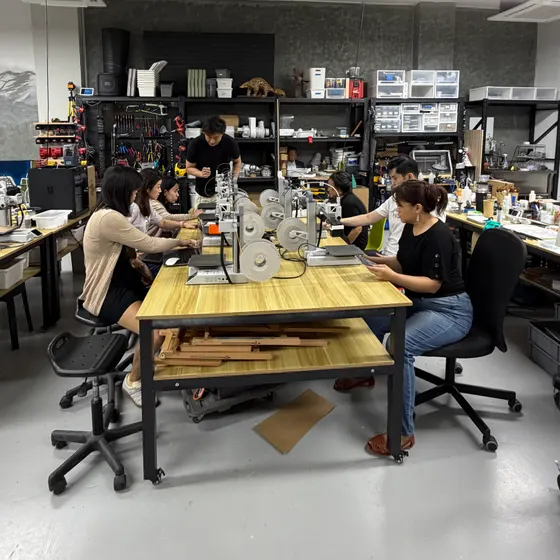
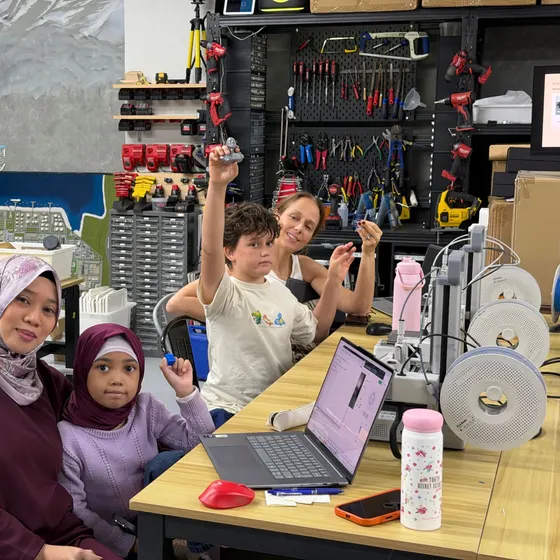
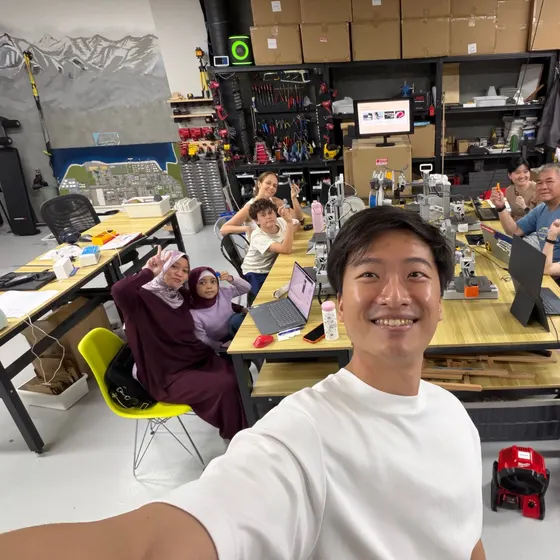
One printer each
Not one between four. You run your own from start to finish.
Three hours with a Bambu Lab A1 Mini to yourself. Set it up, slice with intent, design a small part and take your prints home. No experience or printer needed.
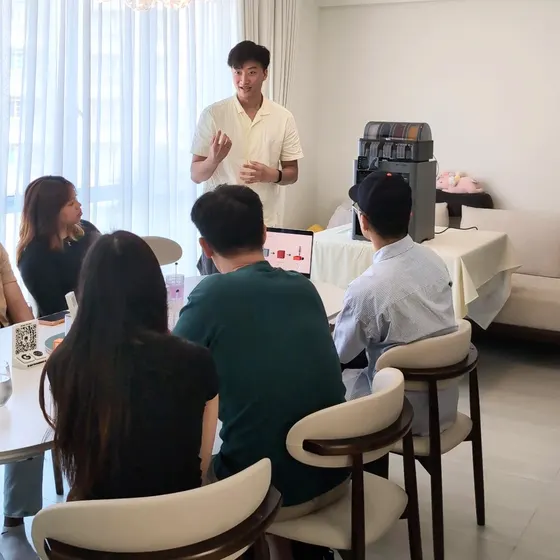
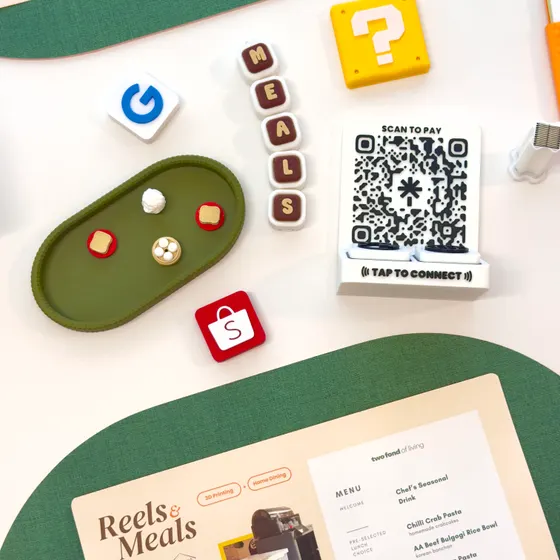
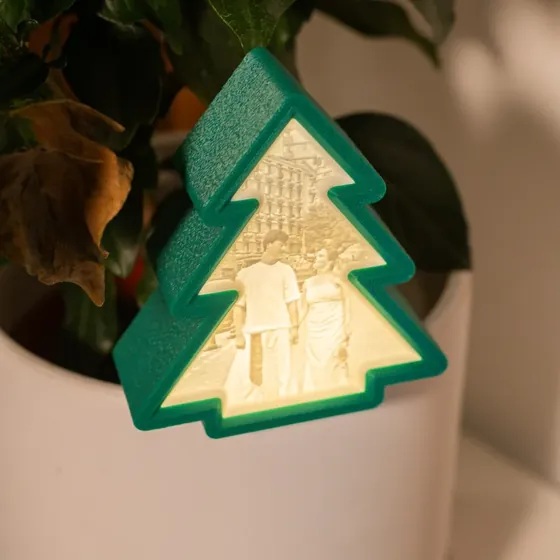
What you can print once you know how
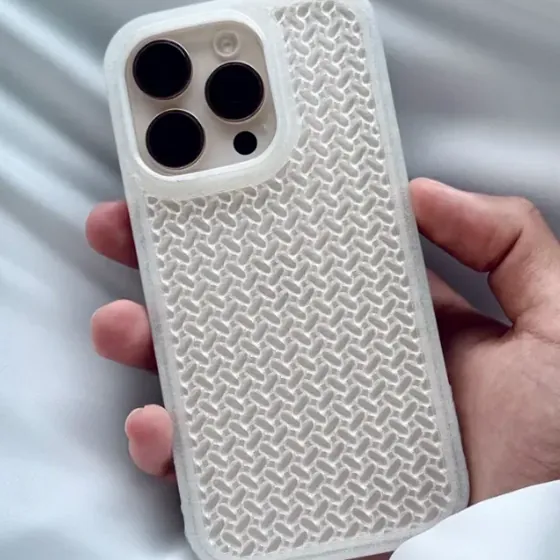
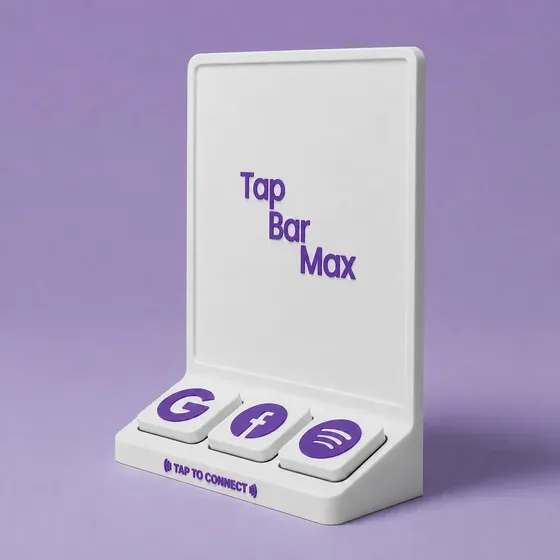
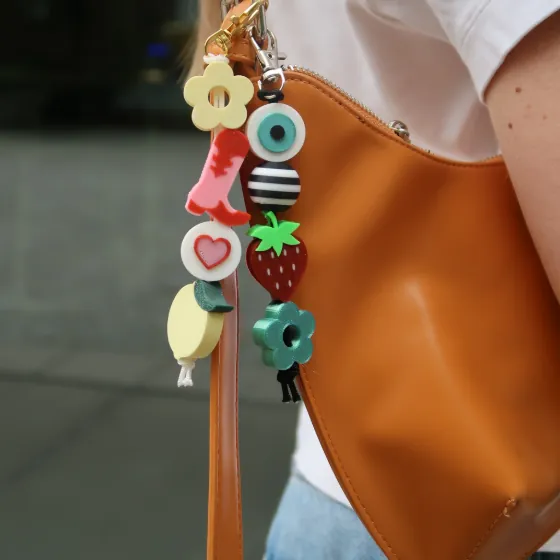
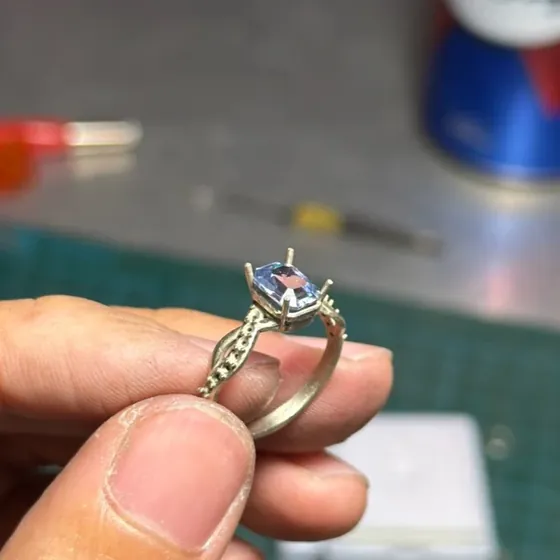
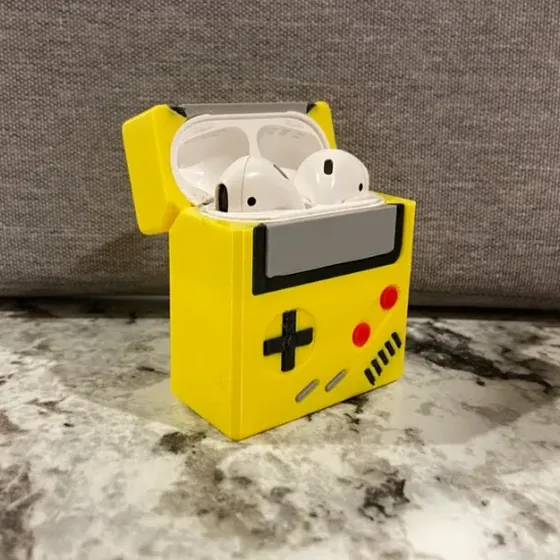
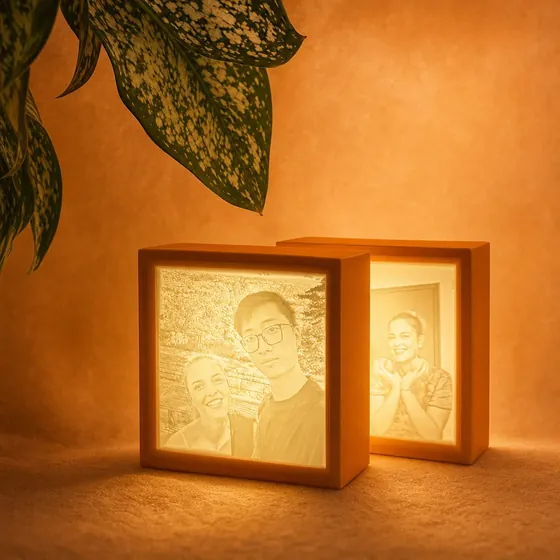
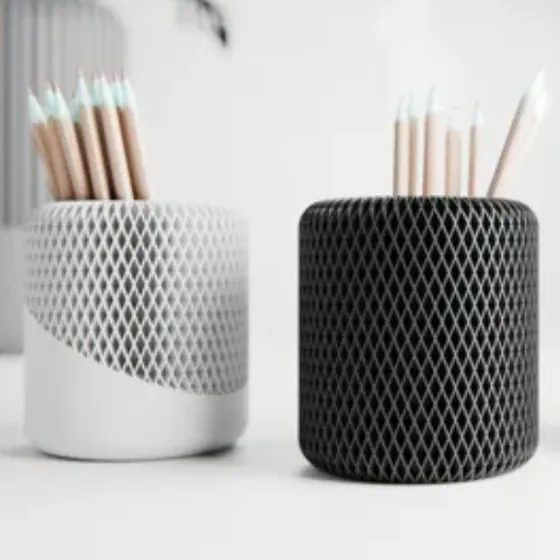
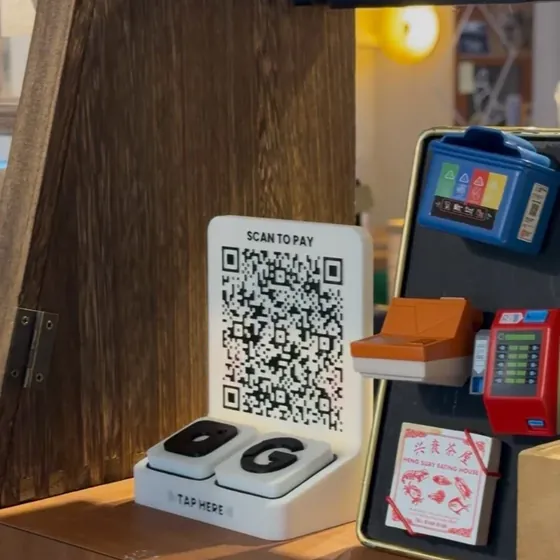
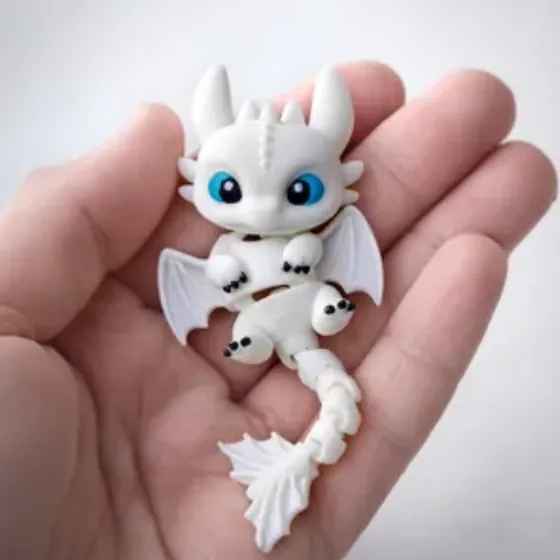
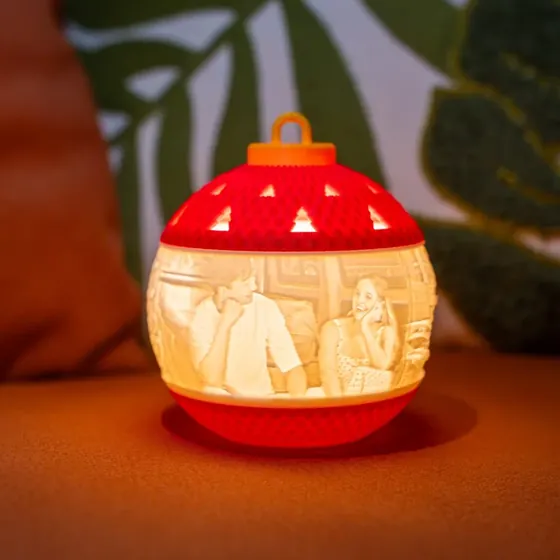
Not one between four. You run your own from start to finish.
A taster of everything it takes to bring something from your imagination into the real world.
From a blank canvas in Tinkercad to a print you take home.
The A1 Mini costs about S$300. It is where most people start, and this class gives you a head start.
Thinking about buying a printer? Learn what you are getting into before you spend the money.
You own a printer and a library of downloads, but you have never opened the slicer. This is where that changes.
Downloading is fine. Making is better. Design a real part in Tinkercad, print it, and see where Fusion takes you next.
Your settings test piece and your own Tinkercad design.
Your own design files, so you can print them again at home.
The Bambu Studio project we used in class, with every setting in place.
Ready-to-print files to try next, like fidget clickers and lithophanes.
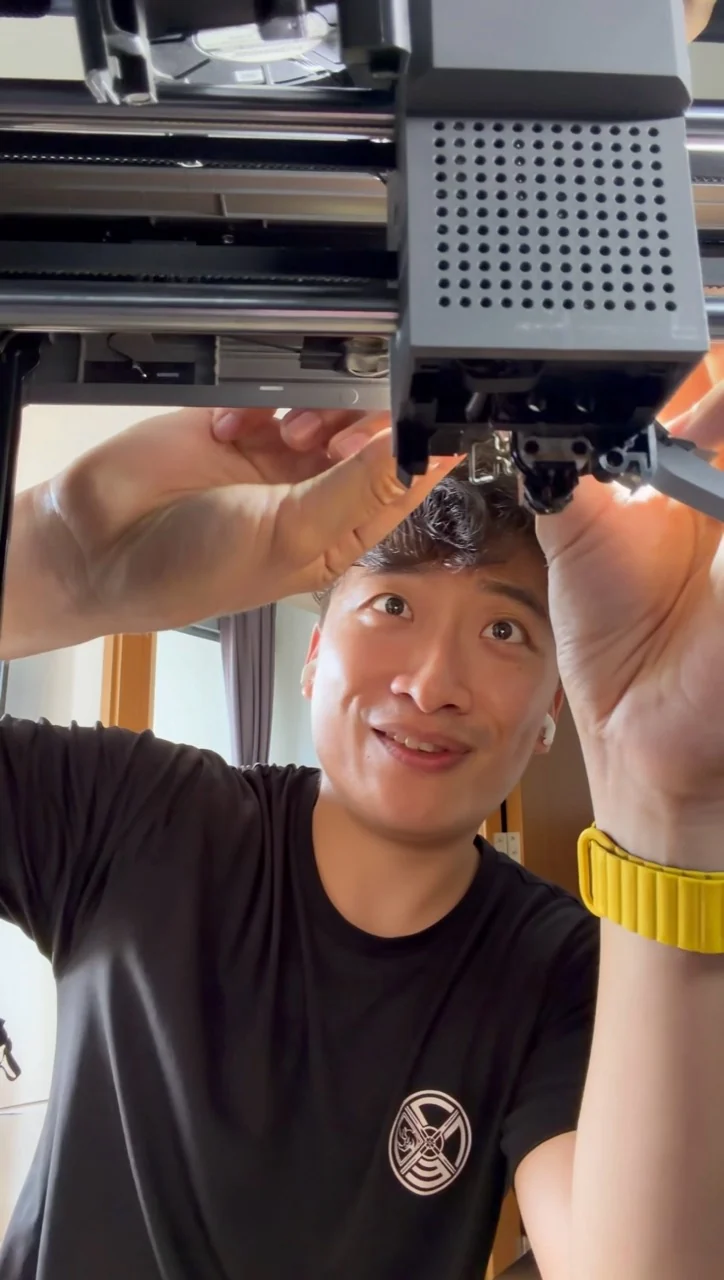
Linhan is the maker behind Allin Studio. His background in industrial 3D printing now informs the products, design tools and hands-on workshops he creates.
In class, you can see the machine working, ask about a setting and try it yourself with guidance. You don’t need to own a printer to get started.
Read the story behind Allin Studio ↗What people wrote on Google after a session.
Had such a fantastic time at the 3D printing workshop led by Linhan! The pace was perfect for beginners, and being able to print our own NFC tag as a keepsake was such a cool, personal touch to take home. The small group setting made the whole experience super interactive and relaxed. To top it all off, the delicious food by Shanniel from 2fondofliving made the day feel extra special. Highly recommend if you're looking to learn something new!
Love the workshop and Linhan is a very good trainer. He’s patient and he answered all our questions with a lot of passion.
My wife and I had a fantastic time at the Reels and Meals 3D printing workshop 😊 Lin Han was incredibly friendly, patient, and engaging, making the session both fun and easy to follow. Shanniel’s warm hospitality and delicious food made the experience even more memorable. It was the perfect blend of learning and great dining. Highly recommended for anyone looking to try something unique! 😊👍🏻👍🏻👍🏻
Had an amazing experience in reels and meals, It very productive with what lin han had share regarding the 3d prints and how he does everything from designing to actual coming out with the prints. As for the meals , every single food came out delicious and well created from scratch. Will definitely come again for the food
I attend the course for 3D printing and it was great and insightful. I like how it was home based and small setting so not too many people have a lot of qns at once. There was lunch and tea break included which was nice and freshly baked which was actually bothering me because I can't concentrate when the smell is so nice. I wish the course could be longer and more hands on our own laptops so it will be easier to practice but nonetheless it was a nice experience. But I learn a lot by attending this of different types of printing, support, what to purchase and even cheaper filament. If anyone is interested in 3D printing as a hobby or business I would suggest attending this.
Linhan meticulously presented all the particulars, advice, and expertise essential for me to commence 3D printing. The workshop was situated in a delightful venue, offering a three-course meal to a small cohort of eight participants, which was truly excellent. I highly recommend if you want to know how to kickstart or basic knowledge of 3D printing.
Went for the Reels & Meals workshop and though it was just a few hours I learned a lot of basics and insights about 3D printing and had a chance to see a 3D printer in action. Meals provided by Two Fond of Living was delicious too. We left with a cute little nfc keychain that we got to choose a design and print and a box of mini cookies!
Attended the Reel & Meal session and found it very informative. It gave me a much better understanding of 3D printing in an engaging and easy-to-follow way. I also had the chilli crab pasta, which was absolutely delicious and made the overall experience even more enjoyable.
Hi Lin, I just wanted to express my gratitude for the 3D printing workshop – it was incredibly interesting and hands-on. The food was amazing too, which added to the positive experience. Keep me posted if you're organizing design-making session.
A fantastic and engaging experience! The Reels & Meals workshop gave me a wonderful introduction to the basics of 3D printing in just a short amount of time. Seeing the machine work in person really helped everything click.
Came for the Reels & Meals experience and honestly had such a good time. 🥹 I loved how it combined a 3D workshop with an intimate home dining experience!! You can really tell how passionate Linhan is about his craft. He was so patient throughout the class, and I always felt like we were in good hands. As someone who is new to 3D printing, I never felt stressed and actually had so much fun. And of course, Shanniel made the dining experience so special. She’s an incredibly experienced home dining chef, and every dish was so thoughtfully prepared. It honestly felt like being welcomed into a friend’s home for an amazing meal. Thank you both for such a memorable experience!! ❤️
It was an insightful experience and linhan was very patient in his sharing! I got to learn about how I can strengthen my prints and some features that I didn’t know in Bambu! Appreciate the effort for putting this together!
Went for Reels & Meals on 18th July. It was a great experience and learnt a lot about 3D printing! Felt intrigued both during and after the session. Would be getting my own 3D Printer to start doing some hands on creation. Probably embark on creating simple necessary things around the house and for the kids. Thank you so much for the keepsake as well. Simple yet useful. - Xue Er
Really enjoyed the Reels & Meals workshop! Learned a lot about 3D printing in a fun and engaging way. Lin Han was patient, knowledgeable, and answered all our questions. Great food and a great experience too!
Took a class with us? Tell the next beginner how it went.
Each seat is a printer of your own. Bringing a child aged 7 to 11? They share your printer for half price.
Join the waitlist and we will message you on WhatsApp when a seat frees up or the next class goes up.
Seats are limited and sessions fill up fast. Leave your details and we message you on WhatsApp before a new date goes on the site.